Fansoso
Like.tg
CommunityOnline ServiceOfficial ChannelFraud CheckCurrency Tool
HomeProductsKomodo: 录屏并创建交互式指南
Komodo
product
This product service is provided by third-party merchants. Please identify the service quality to avoid being deceived.

Komodo: 录屏并创建交互式指南

(3 reviews)
Disclaimer
Applicable Scope
Product Information
User Reviews
Related Products
Disclaimer
This product is listed by LIKETG on behalf of third-party merchants. Products/services/after-sales are all provided by third-party merchants, not official LIKETG products. All activities, benefits, and restrictions are unrelated to LIKETG official. Please identify carefully.

Applicable Scope

最快的录屏和交互式指南方式

Product Information

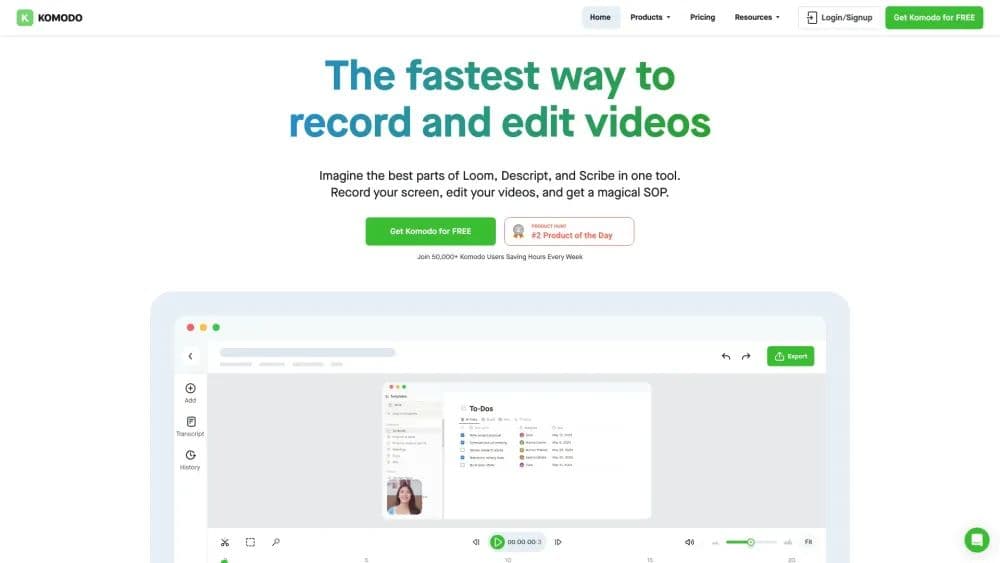
What is Komodo?

最快的录屏和交互式指南方式

How to use Komodo?

1. 在您的Mac或Windows电脑上下载并安装Komodo。 2. 打开Komodo并选择您想要录制的屏幕。 3. 点击录制按钮开始录制。 4. 编辑您的视频并添加交互式元素,如指南。 5. 与他人分享您的视频。

Komodo Core Functions of

无限录屏
轻量级和超快速
即时共享
本地桌面应用程序
系统音频录制

Komodo Usage Scenarios of

  • 演示文稿
  • 教育
  • 销售

Komodo Common Questions about

Komodo在Mac和Windows上都可用吗?
我可以无时间限制地录制屏幕吗?
Komodo提供客户支持吗?
Komodo是通过风险投资资助的吗?
Komodo是否包含人工智能功能?

User Reviews

No reviews yet, come and publish your review
5 out of 5
Would you recommend Komodo ? Publish your review

Disclaimer

This product is listed by LIKETG on behalf of third-party merchants. Products/services/after-sales are all provided by third-party merchants, not official LIKETG products. All activities, benefits, and restrictions are unrelated to LIKETG official. Please identify carefully.