

Overseas Marketing Guide Articles
Home-Featured Blogs



How to set up and promote a business homepage


To convert your Instagram homepage to a business account, first complete the account switch
Searching for "What are the methods for Instagram homepage business account" usually includes two requirements: changing the personal homepage to a business account, and making the homepage more suitable for promotion.Switching business accounts can be done through Instagram's built-in functions without purchasing followers or accounts.
Go to your personal homepage, open the menu in the upper right corner, search for "Account Types and Tools" or "Switch to Professional Account" in the settings, select the category, and then select "Enterprise" as prompted. Menu names may change from version to version; business accounts usually need to be displayed publicly, and users who value privacy should confirm this first.
How to set up a business homepage so that it can accept customer inquiries?
The completion of the switch does not mean that the homepage has the ability to acquire customers. After users enter the homepage, they should be able to quickly understand what you sell, where you serve, and how to contact or purchase.
- **Name and introduction: **Indicate the brand, main products and service areas, avoid just putting slogans.
- **Contact information: **Show business email, phone number, etc. as needed. Do not fill in private information by mistake.
- **Home page link:** Points to a valid product page, independent station or reservation page.
- **Pinned and Featured:** Display product descriptions, purchasing procedures, and frequently asked questions; customer feedback must be authentic and approved for use.
Functions such as contact buttons and shopping may be affected by region and account qualifications, and it cannot be assumed that all functions are available just by switching a business account.
To promote your business account on Instagram, first determine which link is missing
"What are the methods for Instagram homepage and business account" should not stop at the settings menu. For users who are ready to carry out marketing, what is more worthy of judgment is: the homepage lacks visits, the content is unattractive, or visitors cannot find the purchase entrance.
If there are views but few clicks, the introduction, product information and action tips should be optimized; if there are clicks but few transactions, the price, delivery and landing page should be checked. Judging by the reach, interaction and link click data available in the professional dashboard is often more valuable than just focusing on the number of followers.
Only enter third-party service comparison if there is another need to purchase specified post or video display data; this is a different goal than increasing real inquiries.
I have display data procurement needs, how to compare Fansoso services?
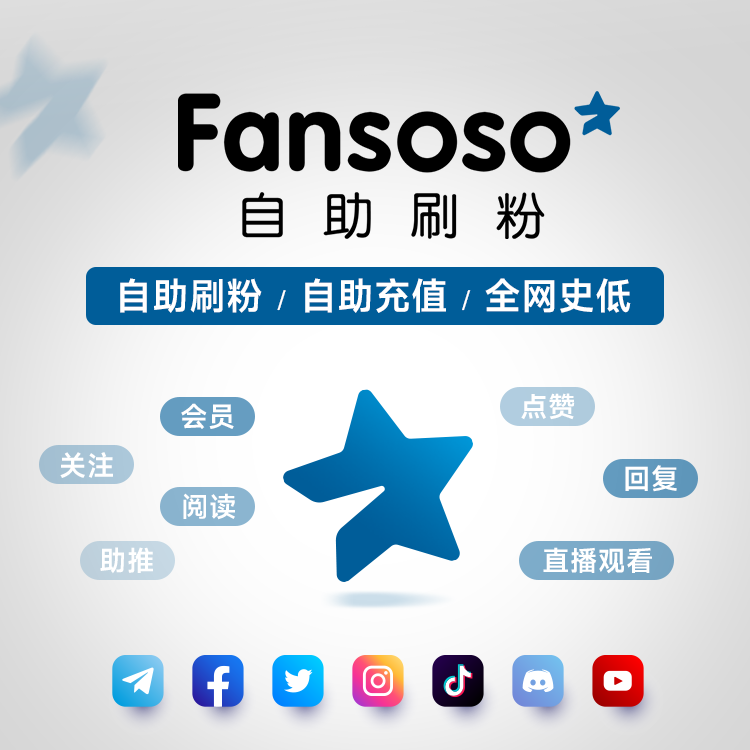
Fansoso can be used as a comparison portal for related services. To see whether the required items are available, you should check the current page. Fan service corresponds to the number of account followers, like service corresponds to specified posts, and play volume service corresponds to applicable video content. The three cannot be mixed.
When comparing, first determine the target link and indicators, and then check the quantity unit, minimum purchase quantity, applicable content and current quotation. **Purchasing interaction data does not equate to real customer endorsement, nor does it represent organic referrals or sales growth. **If your core goal is to acquire customers, you should prioritize investing in content, landing pages, and compliant promotion.
When there are indeed independent data procurement needs, you canGo to Fansoso to compare Instagram services with current offers, filter by platform and target metrics, and don’t go over budget just to get a bigger number.
Before placing an order, check the link, delivery and risks at once
After confirming the project, fill in the corresponding homepage, post or video link according to the page requirements, check whether the target is accessible and the quantity is correct, and then confirm the order. Do not submit account passwords, verification codes or recovery codes; simply switching corporate accounts does not require a third-party operation.
You should also read the following conditions clearly before purchasing:
- **Delivery rules: **Whether the start and completion time and delay handling methods are indicated.
- **Loss processing:** Whether there are replenishment conditions, deadlines and inapplicable circumstances.
- **Refund Rules:** How to handle situations such as submitting wrong links and placing repeated orders.
Third-party interactions may experience delays, volume drops, or platform data cleaning, and may also violate platform rules and bring the risk of penalties. Replenishment and refund must be judged according to the terms of the specific project, and guarantees not stated on the page cannot be regarded as a default commitment.
After the commercial account is online, arrange the next step according to the goal
Back to the question "What are the methods for Instagram homepage and business account": first complete the account switch, then complete the homepage information, and finally select promotion investment according to the actual goal. Users who only want to enable commercial functions can complete the first two steps without purchasing additional services.
If you need real inquiries, continue to test the content and purchase path; if you need to compare specific display data items, then enter the above-mentioned Fansoso page to check specifications, quotations and risks. Only by separating the operating budget and the data procurement budget and reviewing business indicators such as effective consultation and orders can you know whether each investment meets your goals.
Contact Us


Currency Toolbox
Latest Articles
Today's Hot