
Product Information
What is Do?
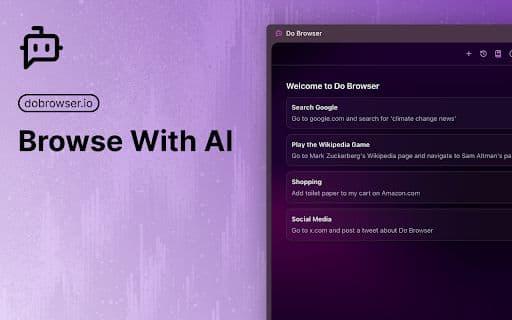
Do Browser is an AI-powered Chrome extension that enables users to control their browser through natural language commands. Its features include form filling, shopping comparisons, and music playback, all accessible by simply typing straightforward commands into the address bar or using voice commands.
How to use Do?
To use Do Browser, enter 'do' in the address bar followed by your command, or use the Cmd+K/Ctrl+K shortcut for quick access.
Core Functions of Do
Natural language browser control
Quick access via address bar ('do') or Cmd+K/Ctrl+K shortcuts
Supports voice commands with a microphone button
Usage Scenarios of Do
No usage scenarios available, please contact customer service for details
Common Questions about Do
No common questions available, please contact customer service for details