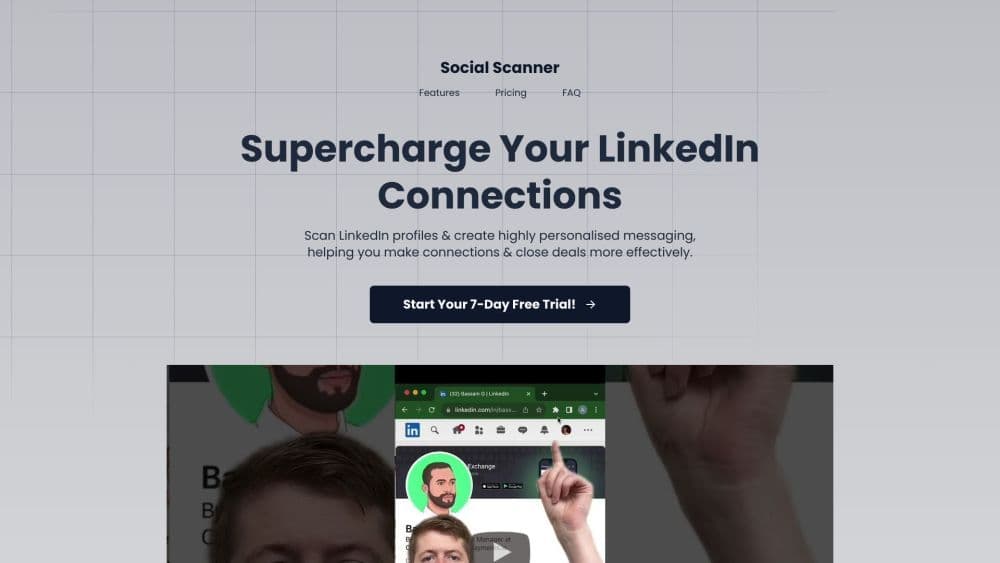

Product Information
What is Social Scanner?
The Social Scanner is your LinkedIn networking assistant. It helps you craft personalized messages, boost response rates, and save time when connecting with industry professionals.
How to use Social Scanner?
Once you select and pay for your plan, download the Chrome extension. Go to your LinkedIn profile and click the Chrome extension to link it with your account. Then, it's ready to use!
Core Functions of Social Scanner
Customized Messages
Instant Profile Insights
Seamless Integration
Time-Saving Automation
Data-Driven Insights
User-friendly interface
Usage Scenarios of Social Scanner
- Sales professionals.
- Recruiters
- Anyone looking to connect with people on LinkedIn.
Common Questions about Social Scanner
How does Social Scanner work? How do I use it?
Who can benefit from using Social Scanner?
Is Social Scanner compatible with all LinkedIn profiles?
Can I try Social Scanner before purchasing?
What pricing plans are available?
Is customer support available?