




Product Information
What is InVideo?
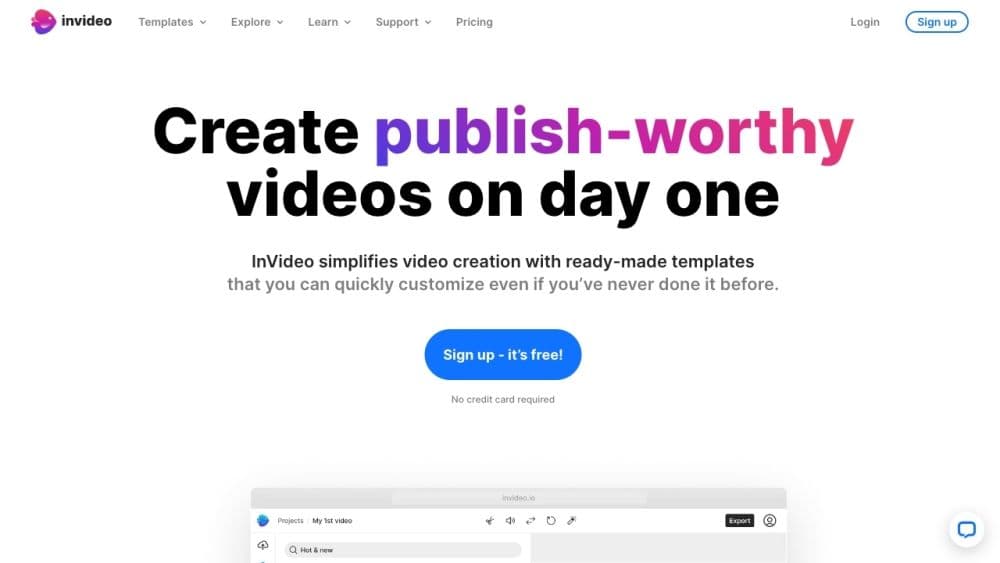
InVideo is an online video editor and creation platform that offers users high-quality templates, images, and music to produce professional videos.
How to use InVideo?
To use InVideo, register for a free account. Browse a library of over 5,000 professionally created templates and choose one that fits your needs. Customize the template by adding your own images and logos, editing and animating content, and applying your brand's colors and fonts. Use AI tools to generate scripts or convert text to video. Collaborate with your team to produce videos and add voiceovers or text-to-speech. Once completed, publish and share your video across platforms.
Core Functions of InVideo
5000+ templates created by professionals
One-click shortcuts to remove backgrounds, add stock media and music, and apply brand elements
AI tools for generating scripts and converting text to video
Access 8 million+ stock media assets
Ability to trim, crop, add transitions, text, and stickers
Choose to record or convert text to speech
Team collaboration for video creation
Mobile app for editing on the go
24/7 human support
Step-by-step tutorials and Udemy courses for learning
Creator community for feedback
Usage Scenarios of InVideo
- Create and customize videos for any use case with ready-made templates
- Remove backgrounds from product images to make them stand out
- Convert articles or blogs into videos with AI-powered text-to-video editors
- Plan and execute a video content strategy for social media success
- Monetize videos to gain new customers and business growth
- Scale video creation, speed, and workflow optimization
Common Questions about InVideo
No common questions available, please contact customer service for details



















