




Product Information
What is Journey?
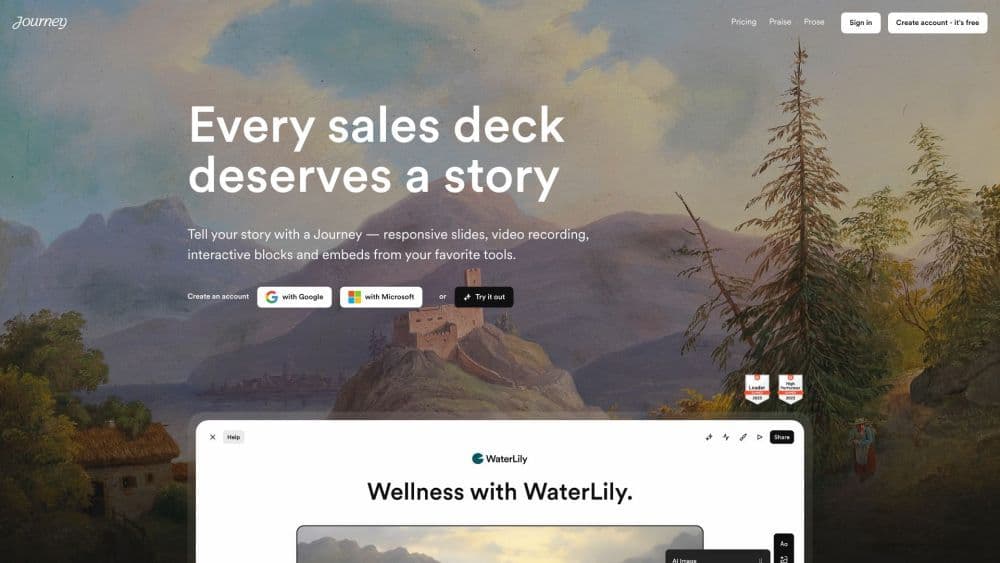
Journey is a platform that helps users attract, close, and onboard clients through a single link. It enables users to create interactive presentations called Journeys, which incorporate videos, slides, and interactive embedded content like calendars. With Journey, users can tell better stories and increase their chances of winning deals.
How to use Journey?
1. Register for a free Journey account using your Google or Microsoft credentials.
2. Browse ready-made templates or create your own journey from scratch.
3. Use AI-powered auto-generation to create the first draft of your content.
4. Personalize your journey by inserting your audience's logos on the fly to make it more engaging.
5. Choose the brand theme automatically created by Journey to maintain consistent branding.
6. Build your story using various content blocks like text, images, files, links, Google embeds, Gong videos, etc.
7. Track your journey's performance with detailed insights.
8. Share your journey with your target audience to effectively engage, close deals, and onboard customers.
Core Functions of Journey
Responsive Slides and Interactive Embedded Content
AI-powered Auto-generated Content
Scalable Personalization
Automated Branding with Brand Themes
Rich Content Blocks Including Text, Images, Files, Links, Google Embeds, Gong Videos, and More
Mobile-friendly Design
Detailed Insights and Tracking
Usage Scenarios of Journey
- Creating Compelling Sales Presentations
- Proposal Documents for Winning Deals
- Seamless Customer Onboarding
- Sharing Interactive Stories
- Effectively Presenting Products or Services
Common Questions about Journey
What types of content can I include in my journey?
Is journey mobile-friendly?
Can I track my journey's performance?
Can I personalize my journey for specific audiences?
Are there pre-designed themes for branding my journey?



















