




Product Information
What is Keys Keyboard App?
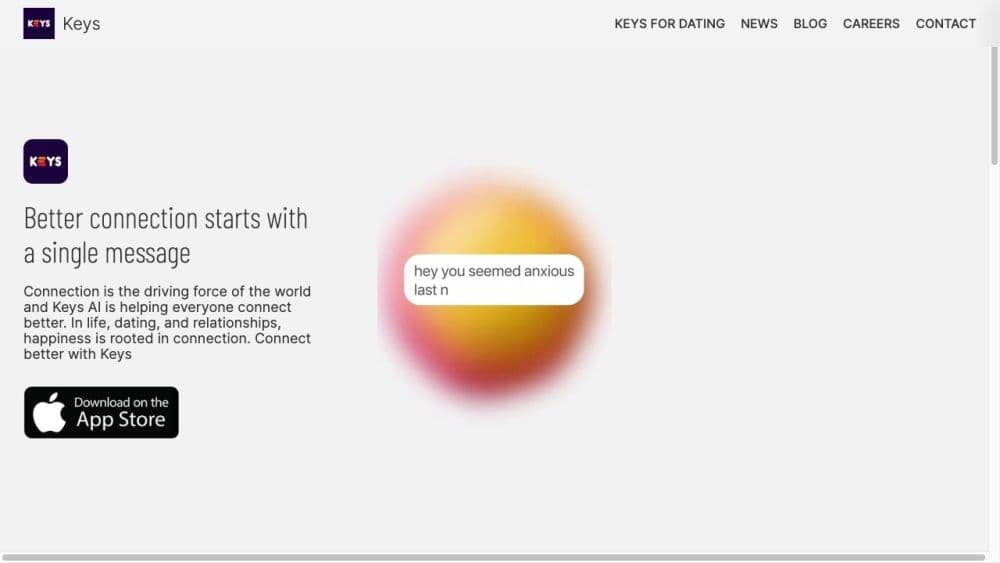
The Keys keyboard app is a communication tool designed to help users easily initiate and maintain conversations. It offers an AI-powered keyboard application that assists users in accurately and authentically expressing their thoughts without sounding scripted or robotic.
How to use Keys Keyboard App?
To use the Keys keyboard app, follow these steps: 1. Download and install the app on your device. 2. Enable the Keys keyboard in your device settings. 3. Open the messaging or dating app where you want to start a conversation. 4. Begin typing your message, and Keys AI will offer suggestions or enhancements to help you communicate more effectively. 5. Select suitable suggestions to improve your message. 6. Send the message and continue using Keys AI for ongoing assistance in conversations.
Core Functions of Keys Keyboard App
AI-powered keyboard app
Helping make conversations more engaging
Enhancing message clarity and intent
Suitable for dating, social, and messaging apps
Improving connection and communication
Usage Scenarios of Keys Keyboard App
- Start conversations on dating apps
- Communicate more effectively with matches or partners
- Enhance conversations with friends or social connections
Common Questions about Keys Keyboard App
What does the Keys keyboard app do?
How do I use the Keys keyboard app?
What are the core features of the Keys keyboard app?
When can I use the Keys keyboard app?



















