




Product Information
What is One-Click Send?
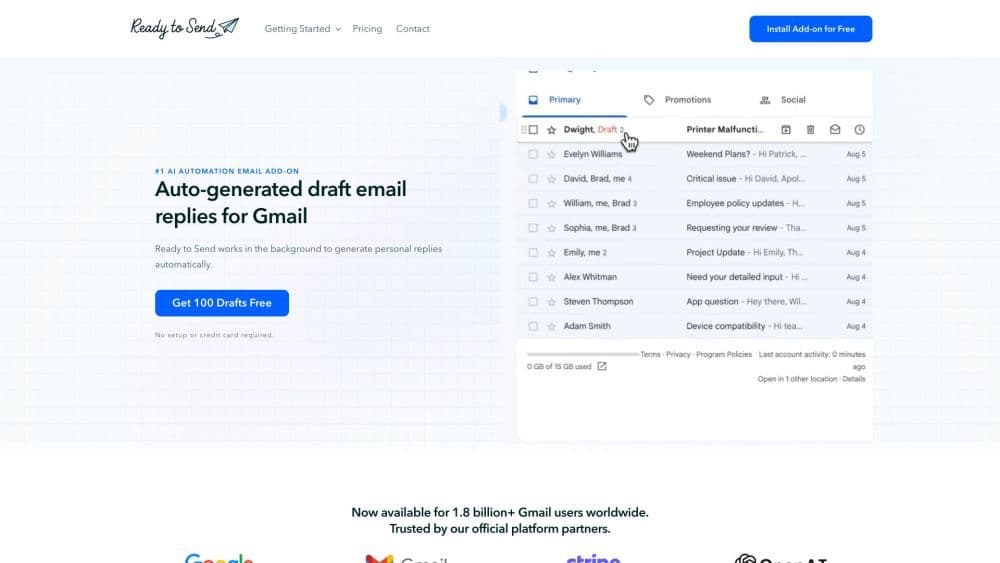
One-Click Send is a smart Gmail add-on that uses artificial intelligence to automatically draft email replies. It effortlessly manages your inbox behind the scenes, crafting responses for you to boost productivity and save time. Revolutionizing email communication, it generates personalized and context-aware replies in your tone of voice.
How to use One-Click Send?
To use OneClickSend, install the plugin from the Google Workspace Marketplace. Once installed, it works seamlessly with your Gmail account. OneClickSend generates draft replies for new and unread emails needing responses. You can review and edit these drafts before sending. It also lets you personalize email instructions for different contacts and customize your writing style.
Core Functions of One-Click Send
Automatically Draft Email Replies
AI-Driven Reply Generation
Personalized and Context-Aware Replies
Option to View and Edit Drafts
Seamless Integration with Gmail
Supports over 100 languages
Usage Scenarios of One-Click Send
- Improve communication speed for professionals
- Automatically generate customer support responses for businesses
- Achieve inbox zero easily for everyone
Common Questions about One-Click Send
How do I install One-Click Send?
Is my data secure and private?
Is One-Click Send available on mobile devices?
How does One-Click Send know which emails need replies?
Can I edit or delete draft messages?
Can I use One-Click Send to compose new emails?
Can I personalize auto-generated replies?
Which language model does One-Click Send use?
How is One-Click Send different from other AI writing assistants?



















