




Product Information
What is SliceTube?
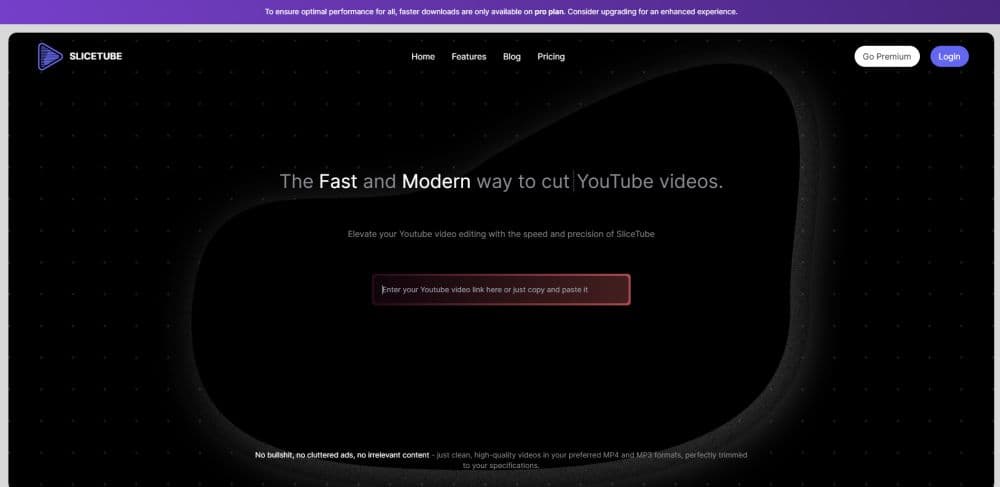
SliceTube is a modern, sleek YouTube video downloader that offers the effortless downloading and trimming of videos in any format.
How to use SliceTube?
1. Open the SliceTube website.
2. Enter the URL of the YouTube video you want to download and clip.
3. Select the time range you want to save.
4. Choose the format (MP4, MP3, WEBM).
5. Click the 'Download' button to start the download.
Core Functions of SliceTube
Download and clip YouTube videos
Support Multiple Formats
Modern interface
High-quality video
Usage Scenarios of SliceTube
- Edit video clips for social media posts
- Create personalized video compilations
- Download music from YouTube videos
Common Questions about SliceTube
What is SliceTube?
Is it compatible with all browsers?
Is SliceTube free to use?
What formats are supported?
What should I do if I encounter difficulties opening downloaded videos in QuickTime?
Is there a limit to the number of videos I can download using SliceTube?



















