
Product Information
What is ChatBotKit?
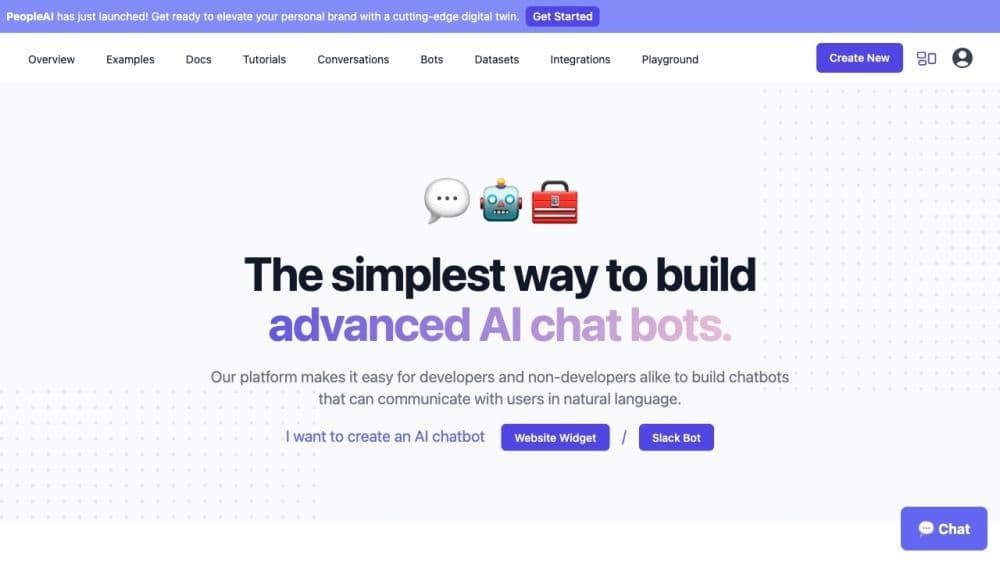
ChatBotKit is a platform designed to assist both developers and non-developers in building chatbots capable of interacting with users in natural language. It enables you to create conversational AI chatbots using your own data and deploy them on your website, Slack, and Discord. The platform offers user-friendly solutions to enhance customer engagement and streamline tasks.
How to use ChatBotKit?
To use ChatBotKit:
1. Register for membership.
2. Create an account and log in.
3. Build AI chatbots via templates.
4. Integrate with Slack, Discord, WhatsApp.
5. Embed bots on websites.
6. Review chat logs.
7. Manage datasets.
8. Enhance with custom skills.
9. Explore advanced features like GPT-4 support.
10. Ensure data security.
11. Get support if needed.
Core Functions of ChatBotKit
Chat History
Custom Datasets
Custom Skill Sets
Contact Collection
GPT-4 Support
Sitemap Integration
Widget Integration
Document Import
Media File Import
Slack Bot Integration
Discord Bot Integration
WhatsApp Bot Integration
Twitter Integration
GPT-3.5 Support
Streaming Media
Widget Themes
Data Security
Privacy-Focused
Content Moderation
Semantic Search
AI Playground
No-Code Platform
Simple Pricing
Application Platform
Usage Scenarios of ChatBotKit
- Enhance customer engagement
- Simplify daily tasks
- Improve website user experience
- Automated customer support
- Optimize lead generation
- Provide personalized recommendations
- Create virtual assistants for various platforms
Common Questions about ChatBotKit
What is ChatBotKit?
How do I use a chatbot?
Is there a cost to use a chatbot?
How do I sign up for a monthly membership?
Do you offer custom pricing plans?
Do you offer a free trial?
How do I cancel my monthly membership?
Can I get a refund if I'm not satisfied?
How do I contact customer support?