
Product Information
What is Chat Search Engine -?
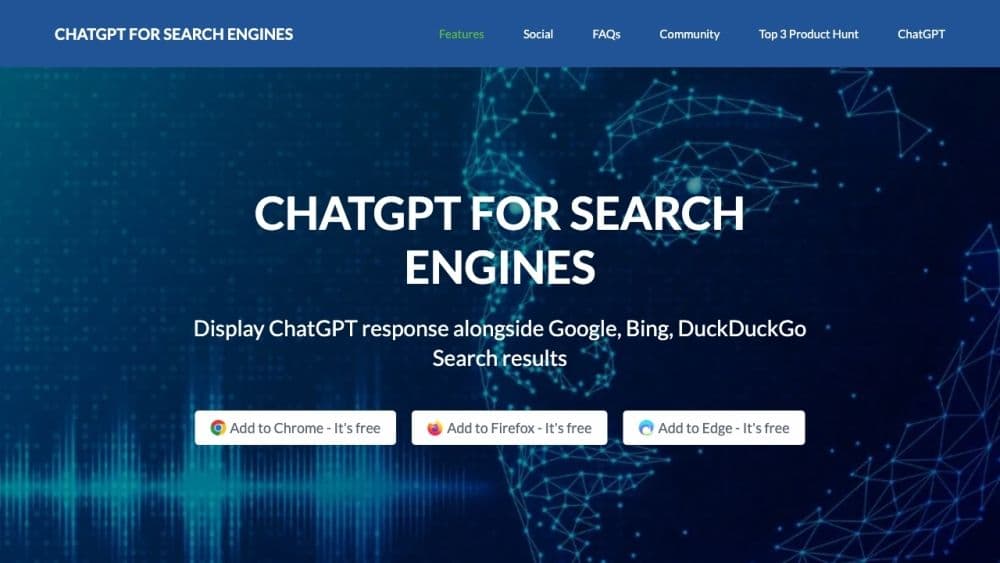
Chat Search Engine - Chatonai is a browser extension that displays ChatGPT's responses alongside search results on popular search engines like Google, Bing, and DuckDuckGo. It enhances the user experience by providing natural language responses and syntax highlighting for technical information in code.
How to use Chat Search Engine -?
To use the Chat Search Engine - Chatonai, install the extension in your preferred browser (Chrome, Firefox, Edge) and go to the search engine. ChatGPT's responses will appear alongside search results. You can manually trigger ChatGPT, always display it, or use a question mark. You can also customize prompts with provided templates or your own.
Core Functions of Chat Search Engine -
Chat Search Engine - Core Features of Chatonai Include:
- Direct Access to ChatGPT Language Model from Search Engine Results
- Code Syntax Highlighting in ChatGPT Responses
- Trigger Settings for Customization
- Dark Theme Options
- Popup or Standalone Page Mode
- Ability to Ask Questions and Receive Natural Language Responses
- Right-Click Function to Send Selected Text as a Prompt
Usage Scenarios of Chat Search Engine -
- Chat search engine - Some use cases for Chatonai include: - Get natural language responses while browsing search engine results - Enhance understanding of technical information with code syntax highlighting - Find answers to specific questions directly from search engines - Customize prompts for precise answers - Improve efficiency in research and information gathering
Common Questions about Chat Search Engine -
What is the chat search engine - Chatonai?
Is the chat search engine - Chatonai free?
Do I need a ChatGPT account to use the chat search engine - Chatonai?
Which search engines does the chat search engine - Chatonai support?
Can I customize the prompts in the chat search engine - Chatonai?
What should I do if I encounter issues with the extension?
Is my search engine history visible to ChatGPT?