
Product Information
What is Fig?
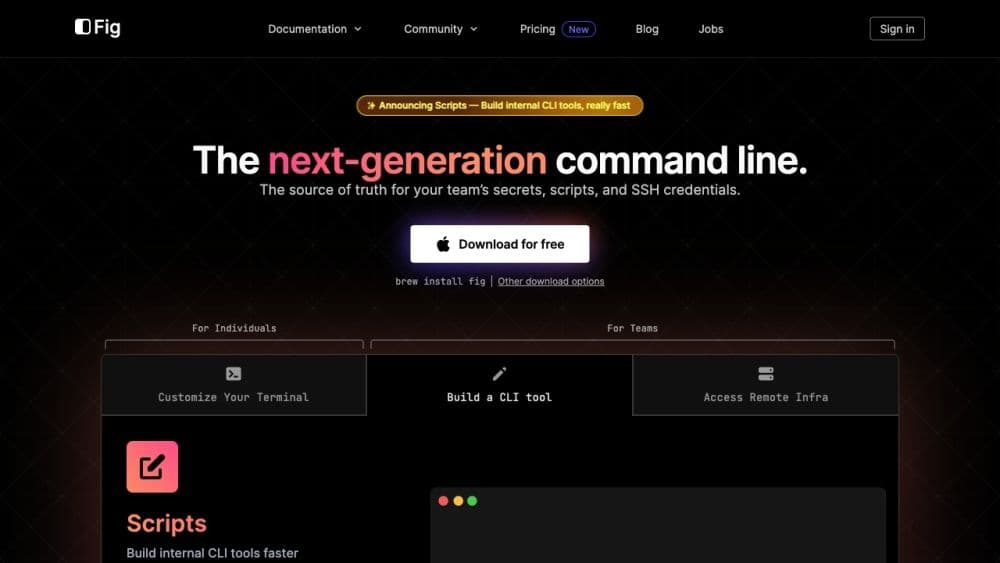
Fig is a next-generation command-line tool that serves as the single source of truth for team secrets, scripts, and SSH credentials. It offers features like autocompletion, script building, SSH credential management, and dotfile synchronization.
How to use Fig?
To use Fig, download it free via 'brew install fig' or other options. Once installed, Fig enhances your terminal with autocomplete for 500+ CLI tools, interactive UI for internal CLI tools, secure SSH access, easy dotfile editing/syncing, and shell plugin management.
Core Functions of Fig
Provide auto-completion for existing terminals, supporting 500+ CLI tools
Interactive terminal UI for building internal CLI tools
Secure access to SSH servers
Edit, sync, and share dotfiles
Manage and sync shell plugins
Usage Scenarios of Fig
- Enhance efficiency and productivity in command-line workflows
- Collaborate and share shell aliases and environment variables
- Create and distribute internal CLI tools within engineering teams
- Securely manage and access SSH servers via GUI or CLI
- Edit and synchronize dotfiles across multiple devices
- Manage and synchronize shell plugins for zsh, bash, and fish
Common Questions about Fig
Is Fig free to use?
Can Fig integrate with different terminals and shells?
Is Fig secure and private?
How does Fig benefit my team?
Can I contribute to Fig?