
Product Information
What is File Assistant?
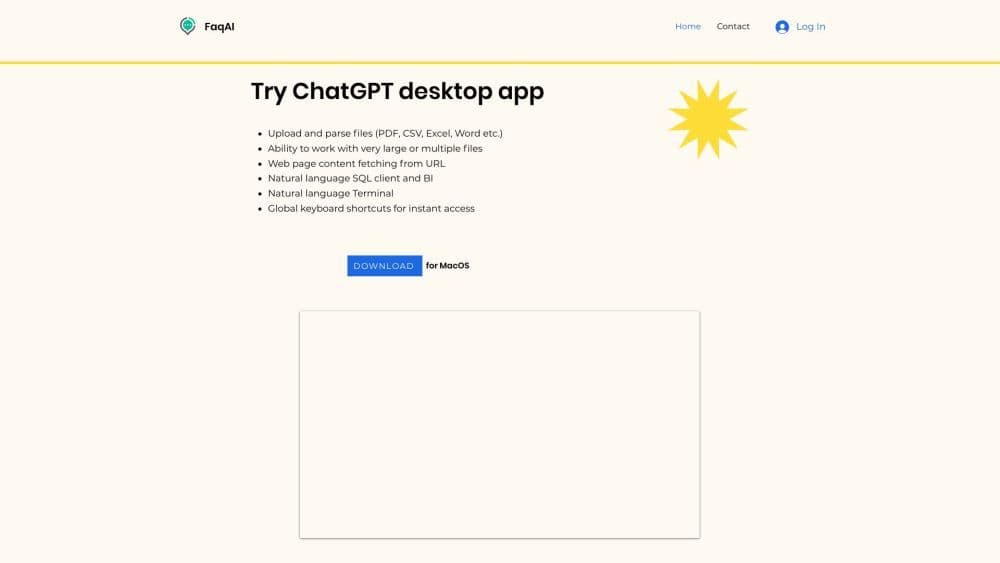
File Assistant is a powerful online platform that enables users to effortlessly upload and process various file types, such as PDFs, CSVs, Excel, and Word documents. It also supports handling large files, including books, and allows for the simultaneous processing of multiple files. Additionally, File Assistant empowers users to extract content from websites, execute terminal commands using natural language, and compose SQL queries to connect with databases. Another key feature of File Assistant is its global hotkeys, designed for quick and efficient navigation.
How to use File Assistant?
To use File Assistant, simply register an account on our website. After logging in, you can easily upload the required files by clicking the "Upload" button. Then, you can manipulate the files using natural language commands and utilize various available features. File Assistant provides a user-friendly interface and intuitive controls, making it easy to navigate and complete tasks efficiently.
Core Functions of File Assistant
File upload and management
Support for various file types
Handle large files or multiple files
URL fetching and website content manipulation
Natural language commands for terminal operations
Natural language queries for SQL and database connections
Global shortcuts for quick navigation
Usage Scenarios of File Assistant
- File Assistant can be used for various purposes, including editing and organizing files, extracting and manipulating data from websites, automating tasks with terminal commands, and analyzing data via SQL queries. Whether you're a student, professional, or anyone handling files and data, File Assistant provides a convenient and efficient platform to streamline your workflow.
Common Questions about File Assistant
Can I upload files larger than 1GB?
Is the File Assistant compatible with all file formats?
Can I use the File Assistant to automate tasks?
Does the File Assistant provide shortcut keys?
Can I use the File Assistant to connect to databases?