
Product Information
What is GitBrain?
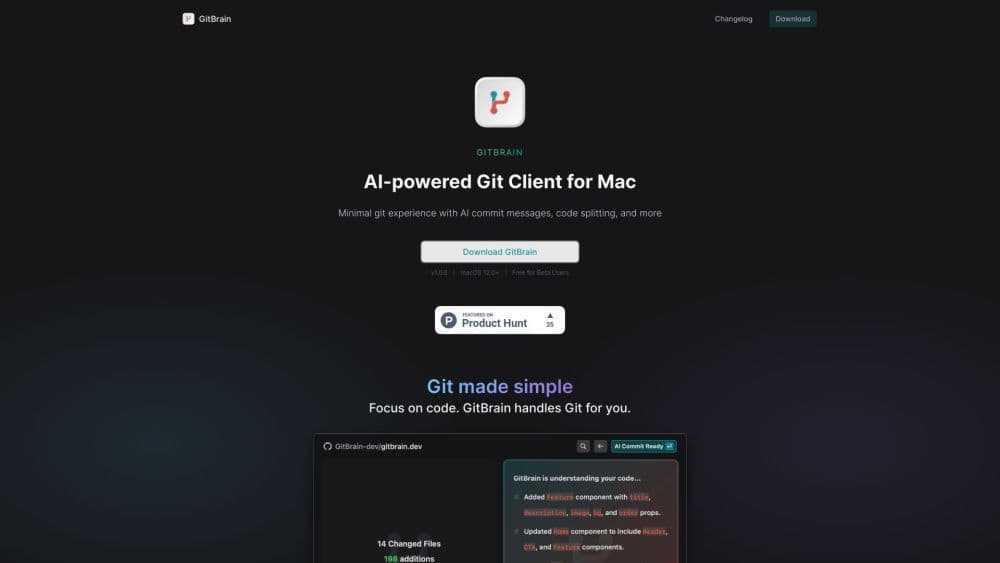
GitBrain is an AI-powered Git client designed for Mac, simplifying your Git workflow and enhancing coding efficiency. It intelligently understands your code changes and offers suggestions for Git operations.
How to use GitBrain?
Using GitBrain is simple—download and install the app on your Mac. Once installed, open the GitBrain panel, and it will automatically detect the project you're working on from your favorite IDE. GitBrain features a keyboard-friendly design with shortcuts for easy Git operations. It intelligently splits your code changes into multiple AI-generated commits and creates customizable commit messages. Use the self-code review feature to easily track changes, and enjoy optimized performance and localized UI for a seamless Mac experience.
Core Functions of GitBrain
AI-Based Git Client
Smart Code Change Understanding
Recommended Git Operations
Code Split into Multiple AI-Generated Commits
Customizable Commit Messages
Self-Code Review Functionality
Auto-Detect Current Projects from Favorite IDEs
Keyboard Shortcuts for Efficient Git Workflow
Optimized Performance and Localized UI for Seamless Experience on Your Mac
Usage Scenarios of GitBrain
- Simplify Git workflows
- Improve Coding Efficiency
- Efficient code change management
- Easily conduct code reviews before submission
- Seamlessly manage Git on Mac
Common Questions about GitBrain
Which operating system does GitBrain support?
Can I customize the commit messages generated by GitBrain?
Can GitBrain work with my favorite IDE?
Is GitBrain a native Mac application?
What are some core features of GitBrain?