
Product Information
What is No-Code CMS?
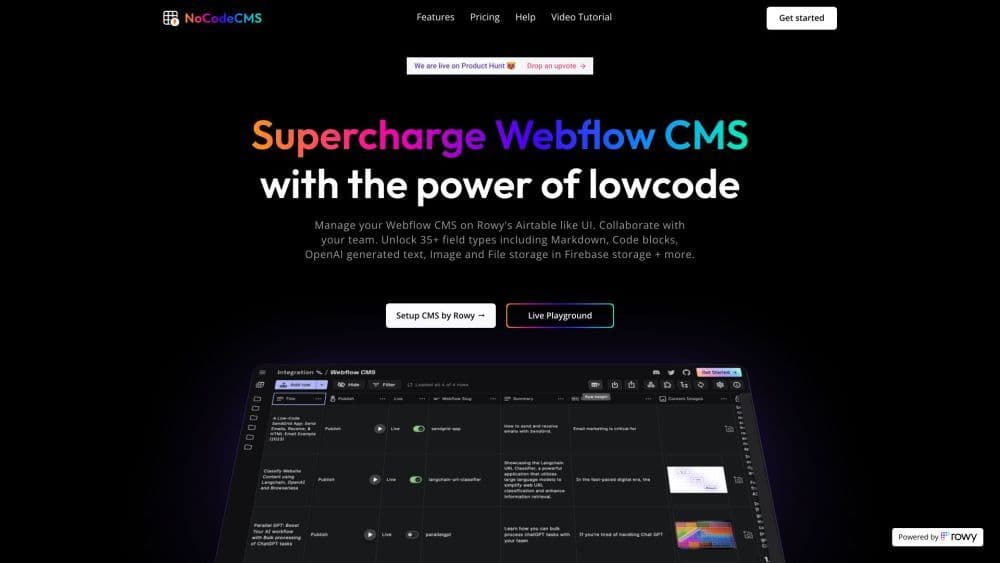
A no-code CMS is a platform that allows you to manage your Webflow CMS through a user interface (UI) similar to Airtable. It offers free unlimited editors and features such as AI-generated content, direct publishing of images to your Webflow CMS and website, and collaboration with your team.
How to use No-Code CMS?
To use No-Code CMS, follow these steps:
1. Connect your Rowy table to Webflow CMS using your API key.
2. Add your Webflow CMS Collection ID to integrate your CMS data.
3. Manage your Webflow CMS data using the Rowy table UI.
You can also try No-Code CMS on the live playground for a firsthand experience of its features.
Core Functions of No-Code CMS
Manage Webflow CMS data on a UI similar to Airtable
Free collaboration with unlimited editors
35+ field types, including Markdown, code blocks, and OpenAI-generated text
Store images and files in Firebase storage
Use code for flexible and scalable cloud functions
Usage Scenarios of No-Code CMS
- Optimize Webflow CMS management and collaboration
- Enhance Webflow CMS with AI-generated content
- Publish images directly to Webflow CMS and websites
- Automate CMS workflows with flexible cloud functions
Common Questions about No-Code CMS
Can I collaborate with my team using a no-code CMS?
What are the core features of the no-code CMS?
Can I integrate the no-code CMS with external services?
Is the no-code CMS free to use?