
Product Information
What is Omnisearch?
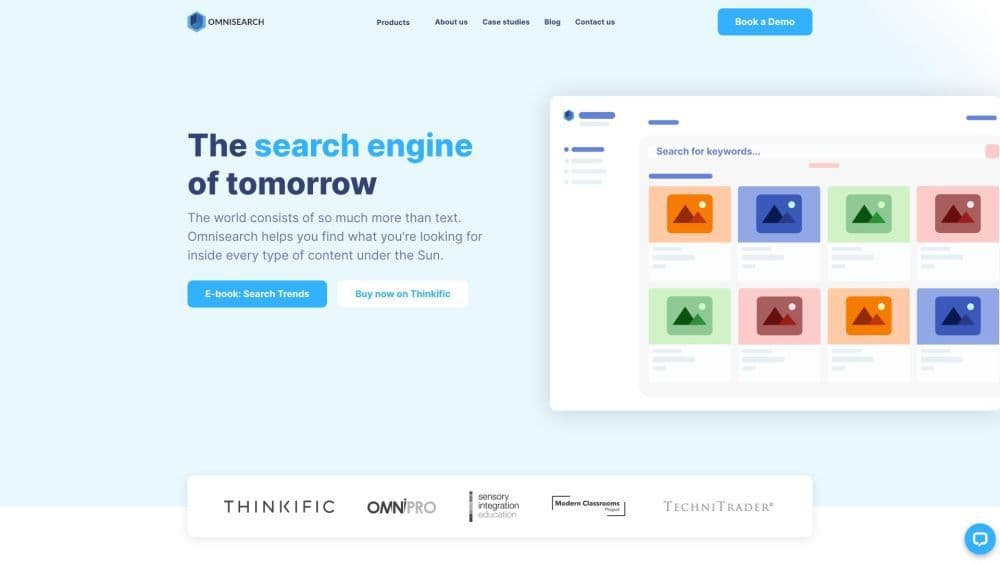
Omnisearch is an innovative search product that makes all content on your website searchable, including audio/video, text, documents, and presentations. It enhances user satisfaction and boosts online course revenue by delivering a seamless learning experience.
How to use Omnisearch?
To use Omnisearch, install the app on your Thinkific course and select data to ingest. Omnisearch will then process and index the content. Once indexed, you can search for specific terms, and Omnisearch will show where they appear in your content.
Core Functions of Omnisearch
Search all types of content, including audio/video, text, documents, and presentations
Support various file types such as PDF, Word documents, images, audio files, etc.
Use AI technology for content extraction
Transcribe video recordings into subtitles
Seamless integration with Thinkific platform for fully searchable course content
Quick and easy installation process
Support for Multiple Languages
Usage Scenarios of Omnisearch
- Improve user experience and satisfaction with online courses
- Enhance search functionality for databases and educational centers
- Enable quick navigation and keyword searches in video content
- Facilitate keyword and reference searches in detailed documents or course materials
Common Questions about Omnisearch
What types of content can Omnisearch search?
How long does it take to implement Omnisearch?
Can Omnisearch transcribe video recordings into subtitles?
What languages does Omnisearch support?
Can I make my course content fully searchable on the Thinkific platform?