




Product Information
What is Backgroundreader?
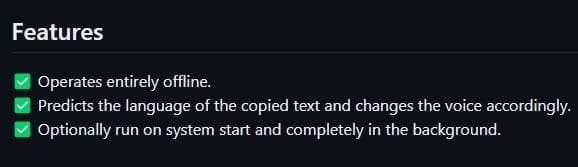
While browsing other pages, please read the text on the website. This program runs in the background, simply reading everything you copy, which is done using "Control + C." By reducing screen focus, it saves time and eases the strain on your eyes.
How to use Backgroundreader?
BackgroundReader is a text-to-speech tool that reads aloud the text copied by users in the background, enabling them to access information while browsing other pages, thereby saving time and reducing eye strain.
Core Functions of Backgroundreader
Background text-to-speech (TTS)
Automatically read copied content
Support multitasking
Reduce eye strain
Usage Scenarios of Backgroundreader
- Listen to text in the background while browsing the web
- When multitasking is required
- Relieve eye strain after prolonged reading
- Improve information acquisition efficiency
Common Questions about Backgroundreader
What does BackgroundReader do?
How do I use BackgroundReader?
What are the core features of BackgroundReader?
What are the use cases for BackgroundReader?
















