




Product Information
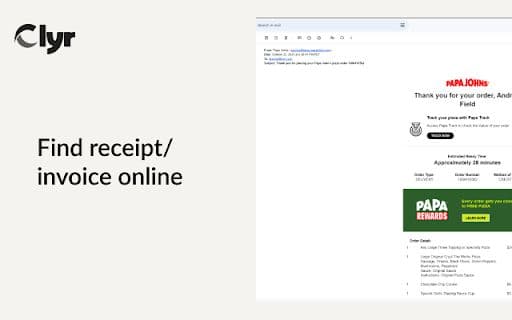
What is receipt?
Expense and spending management, with receipt and invoice capture capabilities.
How to use receipt?
1. Install the extension.
2. Log in or sign up on Clyr.
3. When you receive a receipt/invoice, click the Clyr icon.
4. Capture an image for automatic matching and categorization.
Core Functions of receipt
Capture receipts and invoices
Seamless Integration
Supports various cards
Real-time notifications
Automatic matching and smart categorization
Usage Scenarios of receipt
No usage scenarios available, please contact customer service for details
Common Questions about receipt
No common questions available, please contact customer service for details
















