




Product Information
What is Design-lint?
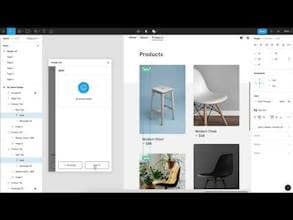
Design Lint is a free, open-source plugin for Figma that helps you identify and fix errors in your designs. This plugin detects missing styles across all your layers—be it text, fills, strokes, border radius, or effects—within your design.
How to use Design-lint?
Design Lint is a free, open-source Figma plugin that helps designers find and fix errors, ensure style consistency, reduce design debt, and prep for development.
Core Functions of Design-lint
Find and fix design errors
Check for missing text, fills, strokes, and effect styles
Detect incorrect border radius values
Automatically update plugin status at runtime
Support for checking new selections
Allow custom border radius settings
Usage Scenarios of Design-lint
- Identify and correct errors during the design process
- Ensure consistency in design styles and specifications
- Prepare designs for handover to development teams
- Reduce the accumulation of design debt
- Inspect new design frames or selections
Common Questions about Design-lint
What does Design Lint do?
How do I use Design Lint?
What are the core features of Design Lint?
What are the use cases for Design Lint?
















