




Product Information
What is Gmail unsubscribe extension?
Chrome Extension for Unsubscribing from Emails in Gmail.
Looking for a more efficient way to unsubscribe from emails?
With this extension, you can block them with a single keyboard shortcut!
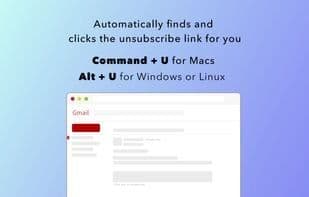
While viewing an email, press Command+U (macOS) or Alt+U (Windows/Linux). That's it!
You can change the shortcut by visiting chrome://extensions/shortcuts.
It works as a Chrome extension on your computer and does not send any data to external servers. It's 100% private.
How to use Gmail unsubscribe extension?
Gmail Unsubscribe Extension is a Chrome extension designed to help users efficiently unsubscribe from emails in Gmail with simple keyboard shortcuts to stop unwanted emails.
Core Functions of Gmail unsubscribe extension
Privacy-focused, no tracking, no ads, integrates with Gmail, supports keyboard shortcuts, Gmail extension
Usage Scenarios of Gmail unsubscribe extension
- Quickly unsubscribe from unwanted emails in Gmail.
- Stop receiving specific emails via keyboard shortcuts (Command+U or Alt+U).
- Customize keyboard shortcuts for unsubscribing.
Common Questions about Gmail unsubscribe extension
What does Gmail Unsubscribe Extension do?
How do I use Gmail Unsubscribe Extension?
What are the core features of Gmail Unsubscribe Extension?
What are the use cases for Gmail Unsubscribe Extension?
















