




Product Information
What is Lok-board?
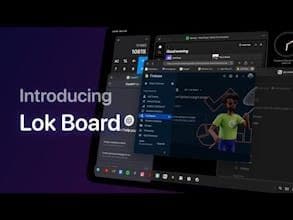
Transform your iPad into a powerhouse of productivity with the Lok Board desktop-class multi-window experience. Extend your workspace to an external display via cable or wireless, no M1 chip or Stage Manager required. Elevate your workflow like never before!
How to use Lok-board?
Lok Board transforms the iPad into a desktop-level productivity tool, offering a multi-window experience and the ability to extend workspaces to external displays, without requiring specific chips or features.
Core Functions of Lok-board
Desktop-Level Multi-Window Experience
Support for External Display Workspace Expansion
Built-In Apps Like Browser, Markdown Editor
Multi-Desktop Management and Window Grouping
Full Keyboard Shortcut and Gesture Support
Powerful Built-In Search
Usage Scenarios of Lok-board
- Use iPad as the primary productivity tool
- Enhance multitasking efficiency on iPad
- Extend workspace with external displays
- Optimize workflows and window management
Common Questions about Lok-board
What does Lok Board do?
How do I use Lok Board?
What are the core features of Lok Board?
What are the application scenarios of Lok Board?
















