




Product Information
What is Menubarx?
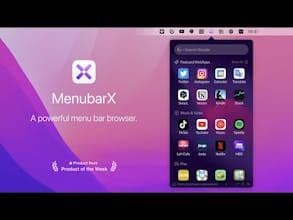
MenubarX is praised for its unique and thoughtful design, allowing users to pin websites to the Mac menu bar for easy access. Users appreciate its utility and ease of use, with some suggesting additional features like proxy configuration to further enhance its functionality. The app is known for its lightweight process, making it particularly useful for quick access to frequently used tools such as Microsoft Teams or productivity apps like Roam Research and Todoist. Overall, MenubarX is regarded as a valuable tool for improving workflow efficiency.
How to use Menubarx?
MenubarX is a Mac menu bar browser for quick access to pinned websites and apps, boosting productivity.
Core Functions of Menubarx
Ad-Free
No Tracking
Dark Mode
Floating browser
Floating window
Located in the Menu Bar
Pin web pages to the Mac menu bar
Supports web apps and PWAs
Built-in ad blocker and bookmarking
Offers multiple device emulation views
Switchable user agents
Support for Multilingual
Usage Scenarios of Menubarx
- Quickly access common collaboration tools like Microsoft Teams
- Easily use productivity apps like Roam Research and Todoist
- Enhance workflow efficiency for Mac users
- Pin frequently used websites as desktop apps
Common Questions about Menubarx
What does MenubarX do?
How do I use MenubarX?
What are the core features of MenubarX?
What are the use cases for MenubarX?
















