




Product Information
What is Privacy pass?
This extension provides unlinkable cryptographic tokens for websites supporting the Privacy Pass protocol. For instance, these tokens can be used on Cloudflare-protected sites to redeem tokens instead of solving CAPTCHAs.
How does it work? Privacy Pass providers: Cloudflare and hCaptcha
**Obtaining Tokens**
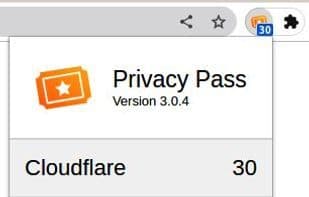
Click the extension icon, then select one of the providers at the top.
A page will open with a CAPTCHA.
Successfully solving the CAPTCHA will earn you some tokens via the extension.
**Using Tokens**
When a page displays a CAPTCHA from one of the providers,
if the extension has tokens available, the browser will automatically use them to bypass the provider's challenge without any interaction.
Otherwise, the user must solve the CAPTCHA, which will grant some tokens for future use.
How to use Privacy pass?
Privacy Pass is a browser extension and privacy-enhancing protocol designed to improve online experience and safeguard privacy. It enables users to anonymously bypass CAPTCHAs or other internet challenges on supported websites by offering unlinkable cryptographic tokens.
Core Functions of Privacy pass
Privacy-Focused
CAPTCHA
Browser Extension
Usage Scenarios of Privacy pass
- Access Cloudflare-protected websites without solving CAPTCHAs
- Automatically use tokens to pass challenges when CAPTCHAs from supported providers appear
- Reduce frequent CAPTCHAs caused by heavy privacy settings (e.g., Firefox fingerprint protection)
- Anonymously bypass services requiring proof-of-work (e.g., solving internet challenges) for authentication
Common Questions about Privacy pass
What does Privacy Pass do?
How do I use Privacy Pass?
What are the core features of Privacy Pass?
What are the use cases for Privacy Pass?
















