




Product Information
What is receipt?
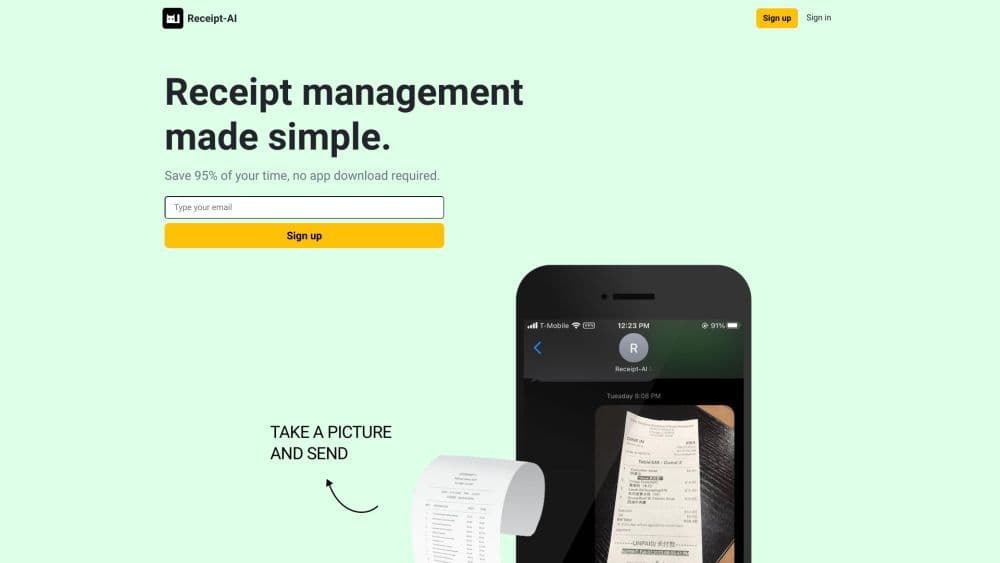
Receipt-AI is an AI-powered, SMS-based invoice management solution that saves time and simplifies expense tracking. Users can upload receipts to accounting software like Xero or QuickBooks directly from their mobile phones or laptops. With Receipt-AI, all it takes is snapping a photo of the receipt and sending it via text—no manual data entry required.
How to use receipt?
To use Receipt-AI:
1. Register on the Receipt-AI website.
2. Connect your accounting software (Xero or QuickBooks) to Receipt-AI.
3. Take photos of invoices with your phone or laptop.
4. Send images to the provided Receipt-AI number.
5. AI extracts key data and auto-uploads it to your accounting software.
Core Functions of receipt
Upload invoices to Xero or QuickBooks via phone or laptop
AI-powered invoice management saves 97% of time
Send invoices in just 5 seconds
Collaborate by inviting team members to upload invoices
Support CSV file download
Use machine learning to retrieve key info from invoices
Usage Scenarios of receipt
- Business owners looking to simplify invoice management processes
- Travelers who want to easily track and reimburse invoices while on the go
- Large enterprise employees who need to manage expense reports and reimburse invoices
Common Questions about receipt
Why do I need to keep invoices?
Is my Receipt-AI data encrypted and secure?
Does Receipt-AI support email uploads?
Where can I find uploaded invoices in Xero?
Where can I find uploaded invoices in QuickBooks?
Can I send multiple invoices in one message?
Do I need to include a message with my invoice image?
Does it support countries outside the US and Canada?
















