




Product Information
What is Tabletools2?
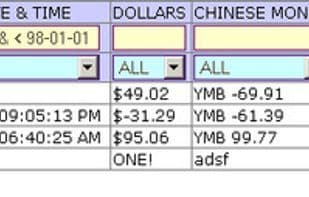
Perform all operations for HTML tables: Copy (table/row/column/cell), Sort (multiple columns), Search (REGEX, range operations...), Filter, Charts (bubble, line, pie, histogram...), Statistics, Rearrange (columns/rows), Combine & Compare. Replace spreadsheets.
How to use Tabletools2?
TableTools2 is a Firefox extension offering comprehensive data processing for HTML tables, including copying, sorting, searching, filtering, charting, statistics, rearranging, merging, and comparing, significantly improving efficiency in handling web table data.
Core Functions of Tabletools2
Tables, legacy Firefox add-on
Usage Scenarios of Tabletools2
- Copy processed (filtered, sorted) table data to Excel or email.
- Generate pie charts, scatter plots, line charts, frequency charts, histograms, bubble charts, and more with one click to analyze table data.
- Merge multiple HTML tables with a click and perform operations like sorting and filtering on the merged table.
- Sort multi-column data in HTML tables, supporting various data types like dates, times, IP addresses, numbers, and strings.
- Intelligently search and filter table data, supporting range operations and regular expressions.
- Get column statistics like min, max, average, median, standard deviation, sum, count, and unique count with one click.
Common Questions about Tabletools2
What does TableTools2 do?
How do I use TableTools2?
What are the core features of TableTools2?
What are the use cases for TableTools2?




















