




Product Information
What is Trimbox?
Click on the email list in Gmail within Gmail
Overwhelmed by endless emails from annoying mailing lists?
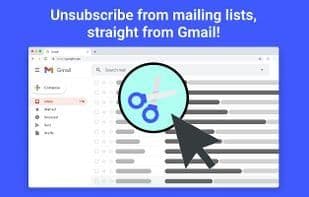
Clean up your inbox without leaving Gmail. Trimbox adds a button to every email from mailing lists. Unsubscribing is as easy as a single click.
Want to clear all emails from that sender and remove them from your inbox? We can do that too! Trimbox never saves or sends your email data for any reason. None of your email information leaves your Chrome browser!
How to use Trimbox?
Trimbox is a Gmail extension designed to help users easily manage their inboxes. It declutters emails by allowing one-click unsubscribing from mailing lists and bulk deleting old emails, giving users better control over their inbox.
Core Functions of Trimbox
Spam Filter
Inbox Management
Usage Scenarios of Trimbox
- Unsubscribe from annoying mailing lists
- Clean up a cluttered Gmail inbox
- Bulk delete all old emails from a specific sender
- Free up email storage space
- Reduce spam interference
Common Questions about Trimbox
What does Trimbox do?
How do I use Trimbox?
What are the core features of Trimbox?
What are the application scenarios of Trimbox?
















