




Product Information
What is Vectary-for-figma?
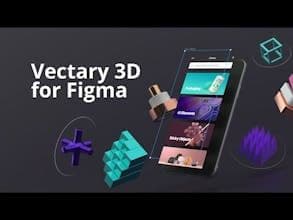
The missing third dimension in figs is right here! 🎉 Choose from predefined 3D elements and models, or create your own scene. Set the desired viewpoint in the actual 3D viewport, then place it in the scene with a single click.
How to use Vectary-for-figma?
Vectary for Figma adds missing 3D to Figma designs, enabling realistic 3D visuals in 2D projects.
Core Functions of Vectary-for-figma
Add 3D dimensions in Figma
Select predefined 3D elements and models
Create custom 3D scenes
Set 3D viewport perspective and placement
Link Figma frames to 3D model textures
View 3D model changes in real-time
Usage Scenarios of Vectary-for-figma
- Create realistic 3D visuals in Figma
- Add 3D elements to 2D designs
- Use Figma frames as 3D model textures
- Import external 3D designs for integration
- For wireframing and UX design
- For whiteboarding and flowchart design
Common Questions about Vectary-for-figma
What does Vectary for Figma do?
How do I use Vectary for Figma?
What are the core features of Vectary for Figma?
What are the use cases for Vectary for Figma?
















