




Product Information
What is Video blocker?
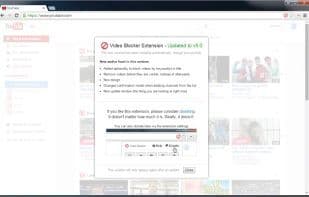
Video Blocker enables you to hide videos from channels you dislike. You can specify these channels by right-clicking on video links on YouTube or manually adding them via the options page. You can also use wildcards to instantly hide videos from multiple channels. Additionally, you can block videos based on certain keywords in their titles!
Good luck, and enjoy watching happy videos!
How to use Video blocker?
Video Blocker is a browser extension designed to help users hide videos from disliked channels or containing specific keywords on YouTube, personalizing their viewing experience.
Core Functions of Video blocker
Opera Extension to Remove Unwanted Objects
Opera Extension to Remove Excess Objects
Usage Scenarios of Video blocker
- Hide videos published by specific YouTube channels
- Quickly block a channel by right-clicking on the video link
- Manually add channels to block in the options page
- Use wildcards to block multiple related channels at once
- Block videos with specific keywords in the title
Common Questions about Video blocker
What does Video Blocker do?
How do I use Video Blocker?
What are the core features of Video Blocker?
What are the use cases for Video Blocker?
















