
Product Information
What is Mimestream?
Mimestream is praised for its seamless integration with Gmail and the native MacOS experience, offering a fast, intuitive email management solution. Users appreciate its stability and polished interface, with many highlighting its efficiency and ease of use. However, some express dissatisfaction with the subscription model, preferring a one-time purchase option instead. Despite this, the app is highly recommended for consolidating Gmail accounts and maintaining organization. Overall, Mimestream is regarded as the top choice for Gmail users on MacOS.
How to use Mimestream?
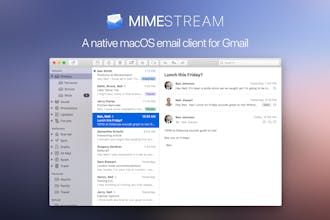
Mimestream is a Gmail email client designed specifically for macOS, deeply integrating Gmail features to provide a fast, intuitive, and efficient email management experience, helping users handle emails with ease.
Core Functions of Mimestream
Native macOS experience with deep Gmail integration
Support Gmail inbox categorization and label management
Manage Gmail server-side filters
Quick response to calendar invitation emails
Email tracking prevention feature
Unified management and independent configuration for multiple Gmail accounts
Usage Scenarios of Mimestream
- Efficient Gmail management for macOS users
- Integrating multiple Gmail accounts in one place
- Quickly categorizing and organizing inboxes
- Conveniently handling calendar invitations
- Protecting email privacy and blocking trackers
- Separating work and personal email accounts
Common Questions about Mimestream
What does Mimestream do?
How do I use Mimestream?
What are the core features of Mimestream?
What are the application scenarios for Mimestream?