
Product Information
What is Replay-4?
🔴Record your website in the Replay browser, inspect with familiar devtools, share Replays with friends, and submit the best bug reports⠀⠀⠀⠀⠀› __brand_brand_placeholder_pCapture_Replay and inspect the web.
How to use Replay-4?
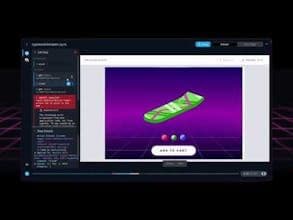
Replay is a time-travel debugger that records the operation of web applications, capturing all contextual information to help developers and AI analyze and resolve complex software defects.
Core Functions of Replay-4
Record Web Application Runtime
Use Developer Tools to Inspect Playback
Capture Application Runtime Context
Analyze and Identify Root Causes of Issues
Share Debug Playback Reports
Usage Scenarios of Replay-4
- Fix blank map UI issues
- Resolve too-small search icon problems
- Fix settings page malfunctions
- Address unresponsive contact panel issues
- Solve infinite rendering loop problems
Common Questions about Replay-4
What does Replay do?
How do I use Replay?
What are the core features of Replay?
What are the use cases for Replay?