




Product Information
What is Gedit?
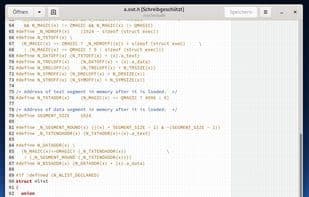
The official text editor for the GNOME desktop environment. Features syntax highlighting, making it suitable for programming, and supports multiple languages. It can be extended with plugins.
Currently, its features include:
Full support for international text (UTF-8)
Configurable syntax highlighting for various languages (C, C++, Java, HTML, XML, Python, Perl, etc.)
Undo/Redo
Editing files from remote locations
File recovery
Print and print preview support
Clipboard support (cut/copy/paste)
Search and replace
Go to specific line
Auto-indentation
Text wrapping
Line numbers
Right margin
Current line highlighting
Bracket matching
Backup files
Configurable fonts and colors
Complete online user manual
How to use Gedit?
Gedit is the official text editor for the GNOME desktop environment, supporting syntax highlighting for multiple programming languages and extensibility via plugins, making it suitable for coding.
Core Functions of Gedit
Lightweight, privacy-focused, customizable, syntax highlighting, supports plugins/extensions, extensible features, no tracking
Usage Scenarios of Gedit
- Write and edit text files.
- Engage in programming development with support for multiple programming languages.
- Serve as a development tool for web programmers.
- Handle source code files.
- Extend functionality through plugins to improve coding efficiency.
Common Questions about Gedit
What does Gedit do?
How do I use Gedit?
What are the core features of Gedit?
What are the use cases for Gedit?



















