
Product Information
What is Gnome text editor?
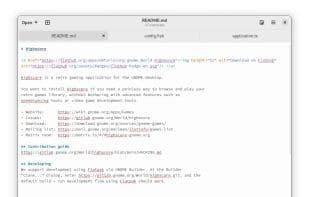
GNOME Text Editor is a simple text editor focused on delivering a delightful default experience.
Auto-save and crash recovery: The text editor automatically saves your drafts in case of a power outage or any other type of crash. They'll be there the next time you launch the editor.
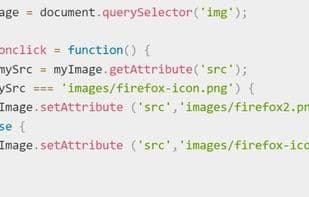
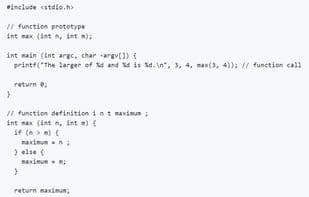
Syntax highlighting: The editor supports syntax for over 150 programming languages right out of the box. You can even create your own language or color scheme!
Auto-configuration: The text editor will try to automatically determine the best settings for your document! Have special needs? Just drop in an .editorconfig file and let the editor handle the rest! Still not enough? Those old-school vim, emacs, and kate modelines are also supported.
Overview map: Sometimes you need a good overview of what's in your file. Use the integrated overview map to quickly scroll through large documents.
How to use Gnome text editor?
GNOME Text Editor is a simple text editor focused on delivering a delightful default experience. It is GNOME's default text editor and comes pre-installed on most Linux distributions.
Core Functions of Gnome text editor
Lightweight
Support Themes
Privacy-Focused
Ad-Free
No Tracking
Syntax Highlighting
Usage Scenarios of Gnome text editor
- Edit code in over 150 programming languages with syntax highlighting
- Quickly scroll through large documents via integrated minimaps
- Automatically recover unsaved drafts after power loss or crashes
- Automatically apply document settings using .editorconfig files or legacy modelines
- Perform daily text editing and document writing on Linux systems
- Modify document content using search and replace
Common Questions about Gnome text editor
What does GNOME Text Editor do?
How do I use GNOME Text Editor?
What are the core features of GNOME Text Editor?
What are the use cases for GNOME Text Editor?