




Product Information
What is Lens desktop?
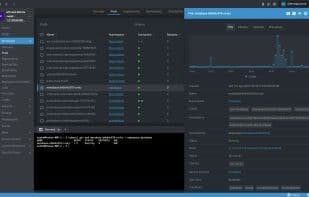
Lens is the most powerful Kubernetes IDE on the market. It's a standalone application available for macOS, Windows, and Linux. Some benefits of using Lens include:
Ensuring your clusters are properly set up and configured.
Enhancing visibility with real-time statistics, log streaming, and hands-on troubleshooting capabilities.
The ability to interact with clusters quickly and easily, significantly boosting productivity and business speed.
**Note**
If you're upgrading to a major version, such as Lens 5.0, all existing user data (your clusters, workspaces, preferences, etc.) will be migrated to the new data structure. If for any reason you might want to revert to a previous version of Lens, it's recommended that you back up your user data before updating. User data is typically stored in the following locations:
- **macOS**: `~/Library/Application Support/Lens/`
- **Windows**: `%APPDATA%\Lens\`
- **Linux**: `~/.config/Lens/` or `$XDG_CONFIG_HOME/Lens`
**Quick Start**
Get up and running quickly by learning about the Catalog.
https://docs.k8slens.dev/main/catalog/
How to use Lens desktop?
Lens Desktop is a powerful Kubernetes IDE running as a standalone app, improving efficiency and visibility in managing and operating Kubernetes clusters.
Core Functions of Lens desktop
Kubernetes
Kubernetes
Usage Scenarios of Lens desktop
- Ensure Proper Setup and Configuration of Kubernetes Clusters
- Enhance Cluster Visibility with Real-Time Statistics and Log Streams
- Perform Manual Troubleshooting for Kubernetes Clusters
- Manage and Operate Kubernetes Clusters Quickly and Easily to Boost Productivity
Common Questions about Lens desktop
What does Lens Desktop do?
How do I use Lens Desktop?
What are the core features of Lens Desktop?
What are the use cases for Lens Desktop?



















