




Product Information
What is Networker?
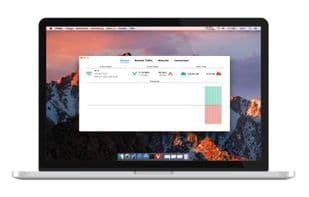
NetWorker conveniently displays network information in the menu bar. It also features a window that shows additional details about the currently active network adapter.
**NetWorker Features**
• Fully customizable view – Choose which information to display and select from many predefined widgets.
• Automatic detection of the currently active network adapter.
• Optional always-on-top overlay window – Highly useful for full-screen applications or games.
• Adjustable refresh interval.
• Toggle between byte mode or bit mode.
• Supports auto-start.
• Traffic overview: Use this feature if you're on a metered data plan.
How to use Networker?
NetWorker Pro is a lightweight and easy-to-use tool displaying detailed network information in the menu bar and compact window, helping users conveniently monitor network activity and data transfers.
Core Functions of Networker
Network Tools
Usage Scenarios of Networker
- View real-time upload/download speeds in the menu bar.
- Monitor network status via floating windows during full-screen apps or games.
- Check current public IP address for troubleshooting or remote access.
- Monitor data usage, especially useful for users with limited data plans.
- See which apps are actively using the network.
- Get detailed information on current active network adapters.
Common Questions about Networker
What does NetWorker Pro do?
How do I use NetWorker Pro?
What are the core features of NetWorker Pro?
What are the use cases for NetWorker Pro?



















