




Product Information
What is plasma cursor eyes?
Features: Themes: • QML circles with customizable colors • Styles of other popular scrolling eye plugins • Custom images Fully customizable, from size to the number of eyes and spacing between them • Supports vertical panels
How to use plasma cursor eyes?
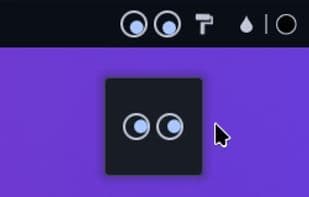
This KDE Plasma desktop plugin adds a pair or multiple pairs of eyes that follow your mouse pointer movement, adding a personalized visual effect to your desktop.
Core Functions of plasma cursor eyes
KDE
Usage Scenarios of plasma cursor eyes
- Personalize the KDE Plasma desktop.
- Add following eye animations to the mouse pointer.
- Use QML circles, popular plugin styles, or custom images as eye themes.
- Adjust eye size, quantity, and spacing to personal preference.
- Use on KDE Plasma desktops that support vertical panels.
Common Questions about plasma cursor eyes
What does Plasma Cursor Eyes do?
How do I use Plasma Cursor Eyes?
What are the core features of Plasma Cursor Eyes?
What are the use cases for Plasma Cursor Eyes?



















