



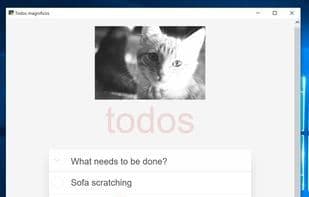

Product Information
What is Pywebview?
pywebview is a lightweight cross-platform wrapper around a webview component, which allows displaying HTML content in its own native GUI window. You might think of it as Python's Electron (minus the hefty executable size). It harnesses the power of web technologies for your desktop applications while concealing the fact that the GUI is browser-based. You can use pywebview alongside lightweight web frameworks like Flask or Bottle, or leverage its two-way bridge between Python and the DOM independently. pywebview creates web component windows using native GUIs: WinForms on Windows, Cocoa on macOS, and QT or GTK on Linux. If you choose to package your application, pywebview doesn't bundle heavy GUI toolkits or web renderers, keeping the executable size small. pywebview is a BSD-licensed open-source project. It's an independent endeavor without corporate backing. If you find pywebview useful, please consider supporting it. The donations page outlines more options for contributing.
How to use Pywebview?
pywebview is a lightweight cross-platform wrapper that displays HTML content in native GUI windows. It enables developers to build desktop GUIs for Python programs using JavaScript, HTML, and CSS while keeping apps compact.
Core Functions of Pywebview
Work Offline
Native Applications
Supports HTML5
Desktop Publishing
Usage Scenarios of Pywebview
- Use web technologies (JavaScript, HTML, CSS) to build desktop GUIs for Python programs.
- Develop desktop applications by combining lightweight web frameworks like Flask or Bottle.
- Leverage frontend frameworks like React to quickly start desktop app development.
- Integrate native GUI elements like menus, message boxes, and file dialogs into desktop applications.
- Package Python desktop applications with tools like PyInstaller to simplify distribution.
Common Questions about Pywebview
What does pywebview do?
How do I use pywebview?
What are the core features of pywebview?
What are the application scenarios of pywebview?



















