




Product Information
What is Quickmanager outputviewer?
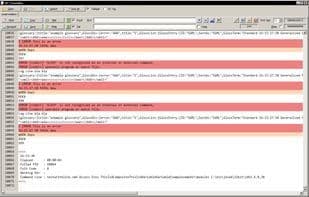
Multi-tail for Windows, designed to track log files, highlight, search, filter, and more. Includes embedded JSON viewer, XML extractor, send logs to email, save to file, etc. Part of QuickManager or available standalone. QuickManager is an integrated process manager where you can define custom environments and commands. Includes an integrated output viewer, task manager, editor, and more. Ideal for developers and admins needing to run processes (e.g., Tomcat) with different environment sets, parameters, config files, and monitor outputs in tail fashion. Perfect for running batches, builds, app servers, services, etc. Launches can be set to auto, cascade, stop, and monitor. Includes URL monitoring for checking web app availability and remote sites.
How to use Quickmanager outputviewer?
Quickmanager OutputViewer is a Windows log viewer with real-time tracking, highlighting, JSON/XML tools for devs/admins.
Core Functions of Quickmanager outputviewer
Web Log Analysis
Content filtering
Logging
Website log analysis
Usage Scenarios of Quickmanager outputviewer
- Monitor log files on Windows systems in real-time
- Highlight, search, and filter log content
- View and parse embedded JSON data
- Extract XML information from logs
- Send logs to email or save to file
- Monitor output from application servers like Tomcat
Common Questions about Quickmanager outputviewer
What does Quickmanager OutputViewer do?
How do I use Quickmanager OutputViewer?
What are the core features of Quickmanager OutputViewer?
What are the use cases for Quickmanager OutputViewer?



















