
Product Information
What is Sql server management studio?
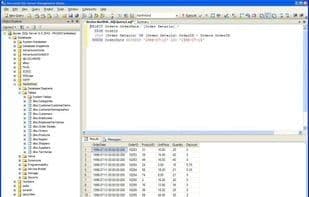
SQL Server Management Studio (SSMS) is an integrated environment designed for managing any SQL infrastructure, from SQL Server to SQL databases. SSMS provides tools to configure, monitor, and administer SQL instances. Use SSMS to deploy, monitor, and upgrade the data-tier components used by your applications, as well as to build queries and scripts.
With SQL Server Management Studio (SSMS), you can query, design, and manage your databases and data warehouses, whether they are located on your local machine or in the cloud.
SSMS can be used alongside Microsoft SQL Server to configure, administer, and manage all components within Microsoft SQL Server. The tool includes a script editor and graphical tools that work with the server's objects and features.
How to use Sql server management studio?
SQL Server Management Studio (SSMS) is an integrated environment for managing various SQL infrastructures, providing tools for configuring, monitoring, and managing SQL instances. It helps users deploy, monitor, and upgrade data-tier components used by applications and build queries and scripts.
Core Functions of Sql server management studio
Database Management Tool Supporting MS SQL Server, Ad-free, Multiple Query Panels, X86/x64 Compatibility
Usage Scenarios of Sql server management studio
- Manage SQL infrastructure like SQL Server and SQL Database
- Configure, monitor, and manage SQL instances
- Deploy, monitor, and upgrade data layer components for applications
- Build SQL queries and scripts
- Query, design, and manage databases and data warehouses on-premises or in the cloud
Common Questions about Sql server management studio
What does SQL Server Management Studio do?
How do I use SQL Server Management Studio?
What are the core features of SQL Server Management Studio?
What are the application scenarios for SQL Server Management Studio?