




Product Information
What is Xed?
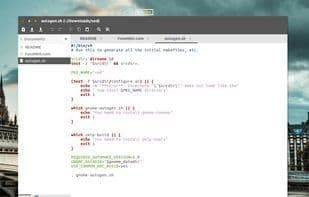
Xed is a text editor that supports most standard editor features and extends this basic functionality with additional capabilities not typically found in simple text editors. Xed is a graphical application that allows editing multiple text files within a single window (sometimes referred to as tabs or MDI). It fully supports international text by utilizing Unicode UTF-8 encoding in the files being edited. Its core feature set includes syntax highlighting for source code, automatic indentation, and support for printing and print preview. Xed can also be extended through its plugin system, which currently includes support for spell checking, file comparison, viewing CVS changelogs, and adjusting indentation levels.
How to use Xed?
Xed is a graphical text editor supporting standard editing features, multi-file editing, syntax highlighting, auto-indentation, and plugin-based extensibility.
Core Functions of Xed
Lightweight, Customizable, Syntax Highlighting, No Registration, X Server, Unicode Support
Usage Scenarios of Xed
- Edit text files
- Manage and edit multiple text files in a single window
- Apply syntax highlighting to source code
- Perform spell checking
- Compare content across different files
- View CVS change logs
Common Questions about Xed
What does Xed do?
How do I use Xed?
What are the core features of Xed?
What are the use cases for Xed?




















