




Product Information
What is Xshell?
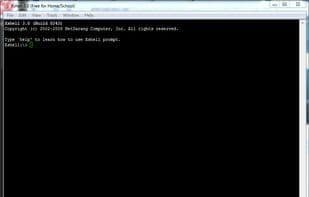
Xshell is a powerful SSH1, SSH2, SFTP, TELNET, RLOGIN, and SERIAL terminal emulator designed for the Windows platform. It enables users to effortlessly and securely access Unix/Linux hosts from their Windows workstations. The SSH (Secure Shell) protocol supports encryption and user authentication for secure connections over the Internet, effectively replacing legacy protocols like TELNET and RLOGIN.
How to use Xshell?
Xshell is a powerful terminal emulator supporting multiple protocols for secure and convenient Unix/Linux access on Windows.
Core Functions of Xshell
Command Line Interface
Tabbed Interface
Conversation management
SSH
Split-screen view
Support SFTP
Usage Scenarios of Xshell
- Securely access Unix/Linux hosts from Windows workstations.
- Manage remote hosts via tools like session manager and quick command manager.
- Create quick command buttons for common operations.
- Set triggers to execute specified actions when certain strings appear in the terminal.
- Draft multi-line strings in the compose pane and send to target sessions.
- Open RDP sessions directly in Xshell and work alongside terminal sessions.
Common Questions about Xshell
What does Xshell do?
How do I use Xshell?
What are the core features of Xshell?
What are the application scenarios for Xshell?



















