
Product Information
What is Autoppt?
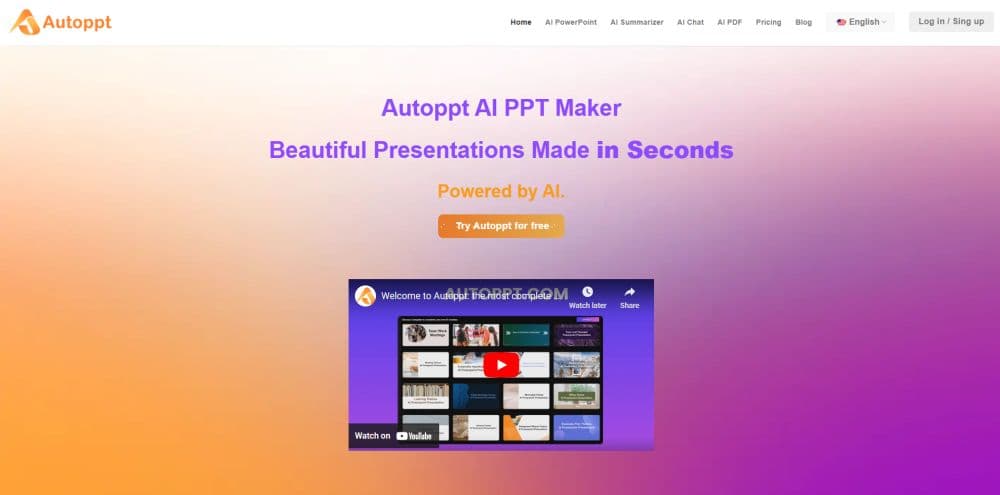
AutoPPT is an AI PowerPoint tool that quickly creates stunning presentations. Enter a topic, and it generates slides. Upload Word, PDF, Excel, or images, and AutoPPT converts them into professional slides.
How to use Autoppt?
Step 1: Add Your Topic or File
Enter a topic or upload a document (PDF, Word, Excel, PPT, or JPG). Let Autoppt handle the rest.
Step 2: Choose a Template
Select from a variety of templates. Match the slides to your content and audience.
Step 3: Edit the Slides
Adjust text, colors, and layout. Add tables, images, or other visual elements. Make it your own.
Step 4: Download and Share
Save the presentation as a PowerPoint file. Share it with colleagues or friends via a link.
Core Functions of Autoppt
AI Slide Creation: Autoppt can generate up to 30 stunning slides in seconds from a topic or uploaded file.
File Compatibility: Upload Word, PDF, Excel, PPT, or JPG files, and Autoppt seamlessly converts them into slides.
Diverse Templates: Explore multiple templates for different themes and styles.
Built-in Editing Tools: Easily refine slides by editing text, adding visuals, or adjusting designs.
Effortless Sharing and Exporting: Export slides in PowerPoint format or share via direct links.
Usage Scenarios of Autoppt
- AI PowerPoint Maker
- Business Presentation Creation
- Educational Presentation Creation
- AI PDF Summary Generator
- AI Mind Mapping
- AI chatbot
Common Questions about Autoppt
What is Autoppt?
Does Autoppt offer a free trial?
How does Autoppt work?
Does Autoppt provide templates?
Does Autoppt support PowerPoint and Google Slides?