




Product Information
What is ChatGPT to Evernote?
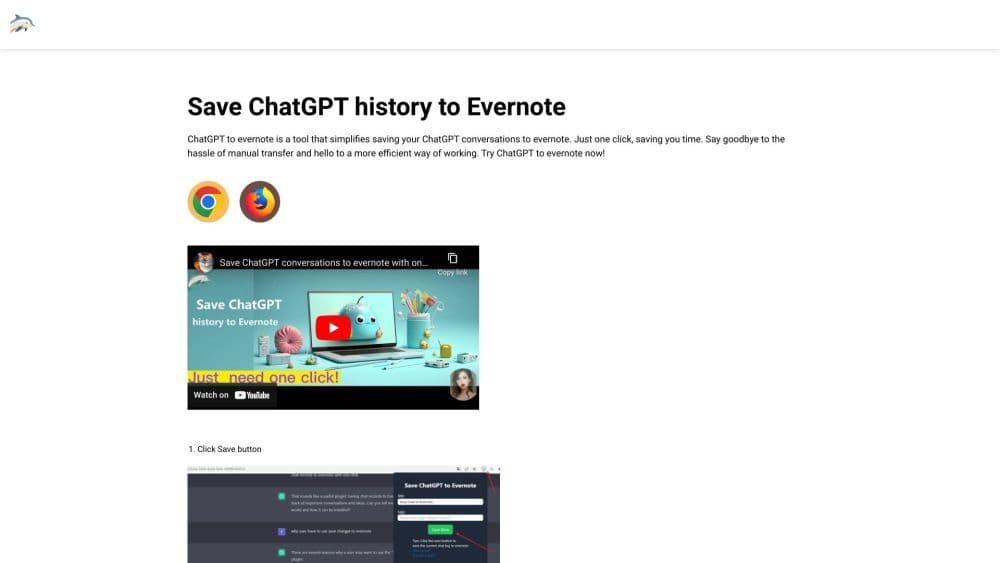
ChatGPT to Evernote is a browser extension that simplifies the process of saving ChatGPT conversations to Evernote. With just one click, you can save your dialogues without the need for manual transfer. It streamlines the process, making users more efficient.
How to use ChatGPT to Evernote?
Using ChatGPT to Evernote is simple: 1. Install the extension on Google Chrome or Microsoft Edge. 2. Log in to your ChatGPT and Evernote accounts. 3. Start a conversation on ChatGPT. 4. Click the 'Save' button provided by the extension. 5. Select a target notebook in Evernote to save the conversation. That’s it! Your ChatGPT conversation will be saved to Evernote effortlessly.
Core Functions of ChatGPT to Evernote
Core features of ChatGPT to Evernote:
1. One-click save: Save ChatGPT conversations to Evernote with a single click, saving you time and effort.
2. Seamless integration: The extension integrates directly with your browser for easy use during ChatGPT sessions.
3. Efficient workflow: Say goodbye to manual transfer of conversation logs and adopt a more efficient way to save and organize notes.
Usage Scenarios of ChatGPT to Evernote
No usage scenarios available, please contact customer service for details
Common Questions about ChatGPT to Evernote
What is ChatGPT?
What is ChatGPT to Evernote?
Is ChatGPT to Evernote free to use?
Do I need a ChatGPT/OpenAI account?
Contact



















