




Product Information
What is Color Swirl PPT?
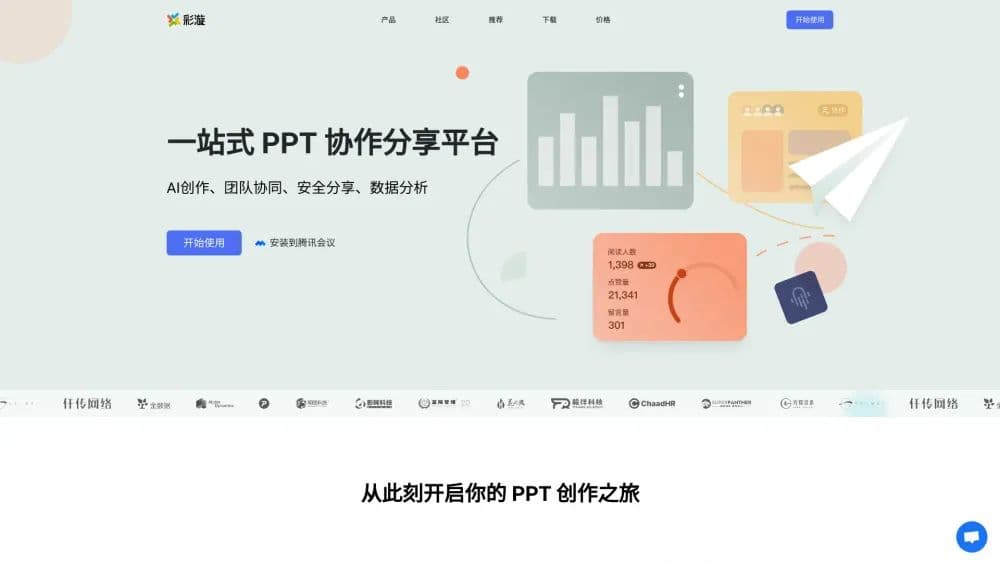
Caiyang is an online PPT collaboration and sharing platform.
How to use Color Swirl PPT?
Using Colorful PPT is as simple as registering an account, uploading a PPT file, and utilizing AI-assisted generation, team collaboration editing, and secure sharing features.
Core Functions of Color Swirl PPT
PPT plugin
PPT add-in
PPT sharing
AI-generated PPT
Collaborative PPT creation
PPT watermarking
PPT encrypted sharing
PPT monitoring
Usage Scenarios of Color Swirl PPT
- Upload product manuals to ColorWave, generate QR codes for sharing with customers
- Team members collaboratively edit PPTs and manage version history
- Convert PDFs into visually appealing PPTs for easy viewing
- Use ColorWave as a presentation console for courseware demos and live interactions
- Share courseware in class groups or public accounts to gather student feedback
- Share PPTs with ColorWave, showcase embedded videos and animations, and analyze reading
Common Questions about Color Swirl PPT
How to get started with Colorful PPT?
What file formats does Colorful PPT support?
How to protect PPT content copyright?
On which platforms can Colorful PPT be used?
For Colorful PPT pricing information, please refer to the official website or contact customer service for more details.



















