




Product Information
What is Dictanote?
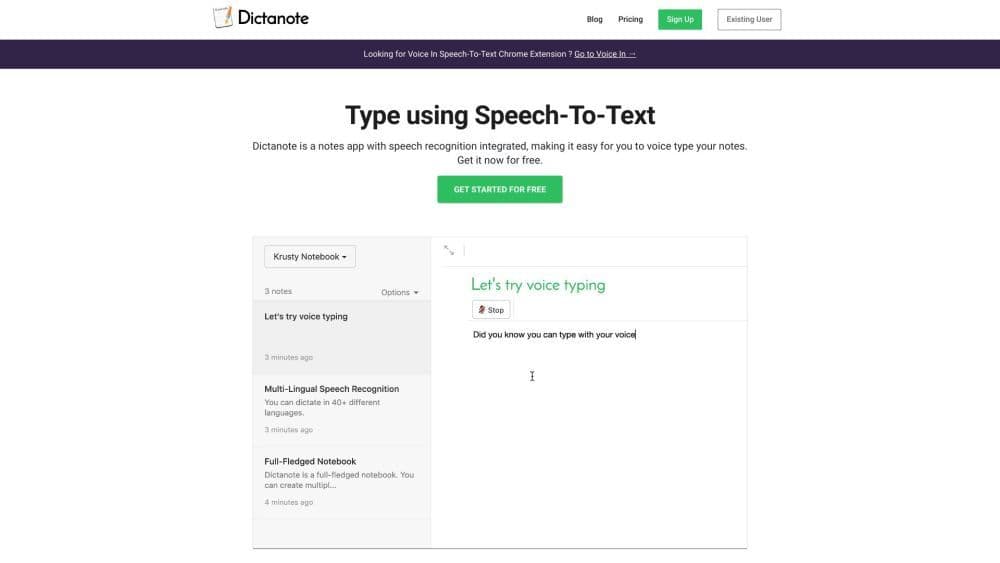
Dictanote is a note-taking application equipped with integrated speech recognition, enabling users to effortlessly record notes via voice input. It accurately transcribes speech into text in real-time and supports over 50 languages and more than 80 dialects. Users can employ voice commands to add paragraphs, punctuation, and emojis. The app also offers multi-platform support, including desktop versions (Windows/Linux/Mac, requiring a Google Chrome browser extension), Android, and iPhone versions (requiring Safari 12+).
How to use Dictanote?
Using Dictanote is simple—just open the app or install the Chrome extension. Then, use your microphone or built-in device mic for voice input. Dictanote transcribes your speech to text in real time. You can use voice commands to add punctuation, technical terms, correct errors, and more. The app also supports keyboard shortcuts to start/stop voice input and switch languages.
Core Functions of Dictanote
Real-time speech-to-text transcription
Support for 50+ languages and 80+ dialects
Use voice commands to add paragraphs, punctuation, and emojis
Keyboard shortcuts for convenient voice input control
Transcription accuracy exceeding 90%
Securely encrypted note storage on Dictanote servers
Usage Scenarios of Dictanote
- Take notes
- Write books.
- Take notes in class or meetings.
- Create blog posts
- Dictate emails.
- News reporting.
- Transcribe audio files (using Dictanote Transcribe).
Common Questions about Dictanote
What are the system requirements for Dictanote?
Are Dictanote and Voice In different products?
Can I convert audio files to text?
Regarding privacy, where is my data stored?



















