
Product Information
What is Https://noty.ai/?
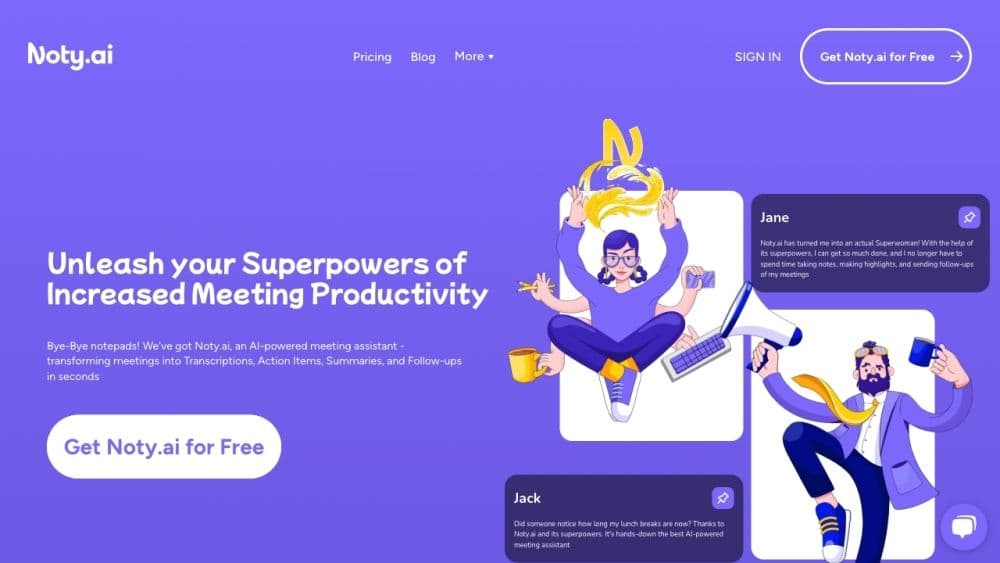
Noty.ai is a meeting transcription software that provides automatic transcription, note-taking, and follow-up drafts for Google Meet and Zoom meetings. It helps users stay engaged in conversations and capture important information.
How to use Https://noty.ai/?
To use Noty.ai, follow these steps:
1. Sign up for an account on the Noty.ai website.
2. Install the Noty.ai extension on Google Chrome.
3. Connect Noty.ai to your Google Meet or Zoom account.
4. Start your meeting and let Noty.ai automatically transcribe the conversation.
5. Use the AI Notes feature to effortlessly highlight key insights.
6. Quickly summarize meetings with ChatGPT-generated recaps.
7. Automate meeting follow-ups with pre-drafted emails.
8. Collaborate with your team by sharing meeting transcripts and summaries.
Core Functions of Https://noty.ai/
AI transcription for meetings
One-click highlighting
ChatGPT-generated summaries
Pre-drafted follow-ups
Team collaboration
Usage Scenarios of Https://noty.ai/
- Project Management
- UX/UI Researcher
- Sales and Exploration
- Product Management
- Human Resources and Recruitment
- Engineering team
Common Questions about Https://noty.ai/
Do you limit the number of transcribed meetings?
How many languages does Noty transcribe?
How accurate is Noty's meeting transcription?
What is AI meeting transcription summary?
What types of AI meeting summaries does Noty offer?
Do you offer discounts?
Do you have storage or email limits?
Does Noty have a Chrome extension?