




Product Information
What is Laxis?
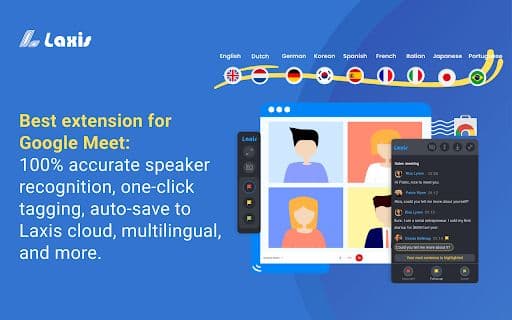
Laxis is an AI-powered meeting assistant designed for Google Meet, offering powerful features to enhance the meeting experience.
How to use Laxis?
1. Install the Laxis Chrome extension
2. Launch Google Meet in Chrome
3. Laxis will start automatically and enable captions
4. Keep captions on for real-time transcription
5. Use features like in-meeting highlights and auto-scrolling
6. Download the transcript in your preferred file format
7. Sign up for a free account to save automatically and access advanced features
Core Functions of Laxis
Real-Time Transcription
Speaker Identification
Tagging feature
Automatically Saves to the Cloud
Usage Scenarios of Laxis
No usage scenarios available, please contact customer service for details
Common Questions about Laxis
No common questions available, please contact customer service for details



















