



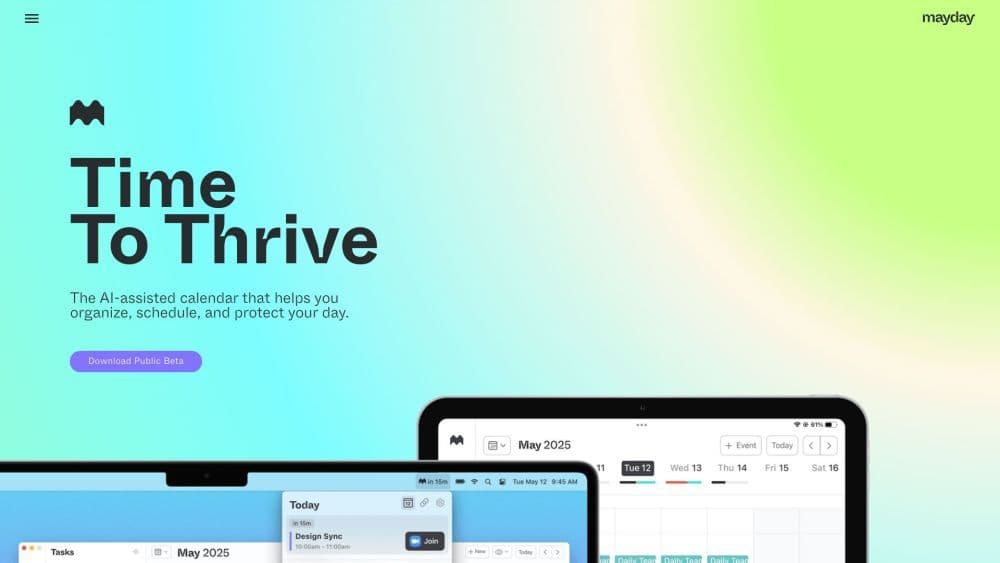

Product Information
What is Mayday: AI-Assisted Calendar?
Mayday is an AI-assisted calendar application designed to help individuals organize, manage, and safeguard their schedules. It employs artificial intelligence algorithms to optimize scheduling preferences and patterns, enabling users to allocate their time more meaningfully.
How to use Mayday: AI-Assisted Calendar?
1. Download the Mayday app on your iOS, macOS, or iPadOS device.
2. Sign up and create an account.
3. Add events to your calendar using natural language input or with the help of an AI assistant.
4. Mayday will suggest the optimal time for your events based on your preferences and availability.
5. Use scheduling links to easily coordinate meetings with others.
6. Mayday can automatically schedule and manage tasks in your calendar.
7. Let Mayday analyze your calendar to allocate protected time blocks, preventing over-scheduling.
8. Boost your productivity and organizational skills with features like FYI events, time windows, smart labels, widgets, and calendar sync.
Core Functions of Mayday: AI-Assisted Calendar
AI-assisted scheduling
Personalized recommendations
Meetings, Tasks, and Flexibility Optimization
Link for coordinating meeting arrangements
Automatically scheduled task
Prevent over-scheduling time protection
AI Assistant for Calendar Management
Create events using natural language
FYI event to reduce participation
Time window prioritized for availability
Smart tags for event categorization
Widget for quick schedule viewing
Calendar synchronization with multiple calendar integration
Allocate buffer time for preparation and wrap-up.
Menu bar provides instant access to upcoming meetings.
Smart scheduling of commute times
Supports Google Calendar, Microsoft 365, Apple iCloud
Building with SwiftUI
Usage Scenarios of Mayday: AI-Assisted Calendar
- Efficiently organize personal and work schedules
- Coordinate meetings and collaborations with team members
- Optimize time for focused work and productivity
- Create balanced schedules for personal and collaborative tasks
- Protect personal health by allocating time blocks to avoid overwork
- Easily manage multiple calendars from different platforms
- Simplify event creation with natural language input
- Quickly access upcoming meetings to stay on track
- Efficiently schedule commute times
Common Questions about Mayday: AI-Assisted Calendar
What is Mayday?
How do I start using Mayday?
How does Mayday optimize schedules?
How do I use Mayday to coordinate meetings with others?
Can Mayday automatically schedule and manage tasks?
Does Mayday protect my time from over-scheduling?
Does Mayday have an AI assistant?
Can I integrate multiple calendars into Mayday?



















