
Product Information
What is PalyPDF?
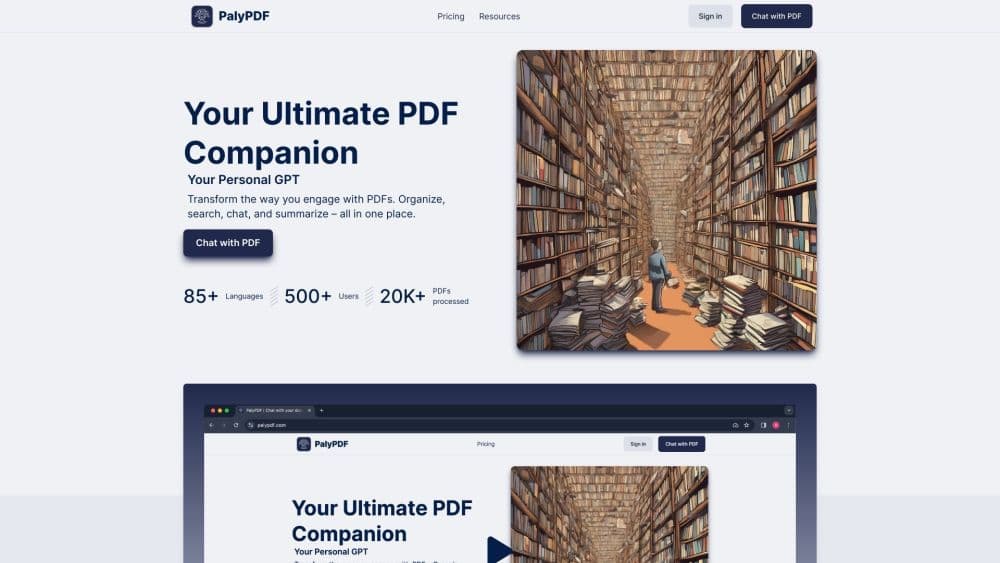
Your Ultimate PDF Companion
How to use PalyPDF?
Change how you interact with PDFs. Organize, search, chat, and summarize in one place.
Core Functions of PalyPDF
Direct PDF chat: Chat with your PDF in real-time for instant answers.
Group PDF chat: Merge multiple documents into one conversation to see the bigger picture.
Quick summaries: Turn lengthy PDFs into concise, easy-to-understand summaries.
Unified multi-PDF insights: Combine knowledge from various documents for enlightening conversations.
OCR magic: Advanced OCR ensures understanding of text and images in PDFs.
Advanced semantic search: Discover connections and insights through deep document searches.
Powerful search: Quickly find what you need, whether in one or multiple documents.
Easy storage: Organize and manage your PDFs in custom folders.
Stay organized: Create a tidy workspace to find what you need anytime.
Universal tool: Tailored solutions for all document types.
Master any language: Understand and manipulate documents in over 85 languages.
Seamless conversation: Chat with documents in your preferred language.
Flexible and customizable: Multiple subscription plans with tiered pricing.
Organize and interact with all your data.
Usage Scenarios of PalyPDF
- Chat with PDFs
- Organize and categorize PDFs
- Quickly summarize large PDFs
- Merge knowledge from multiple documents
- Search deeply and uncover insights
- Create a neat and organized workspace
- Interact with documents in any language
- Choose the subscription plan that best fits your PDF needs
Common Questions about PalyPDF
What is PalyPDF?
What languages does PalyPDF support?
Can I chat directly with my PDFs?
Is there a size limit for the PDFs I upload?
Can I merge multiple PDFs into one conversation?
Does PalyPDF support OCR?
How can I find the content I need in my PDF?
Can I customize folder settings for my PDFs?
What subscription plans does PalyPDF offer?