
Product Information
What is PDF Chat?
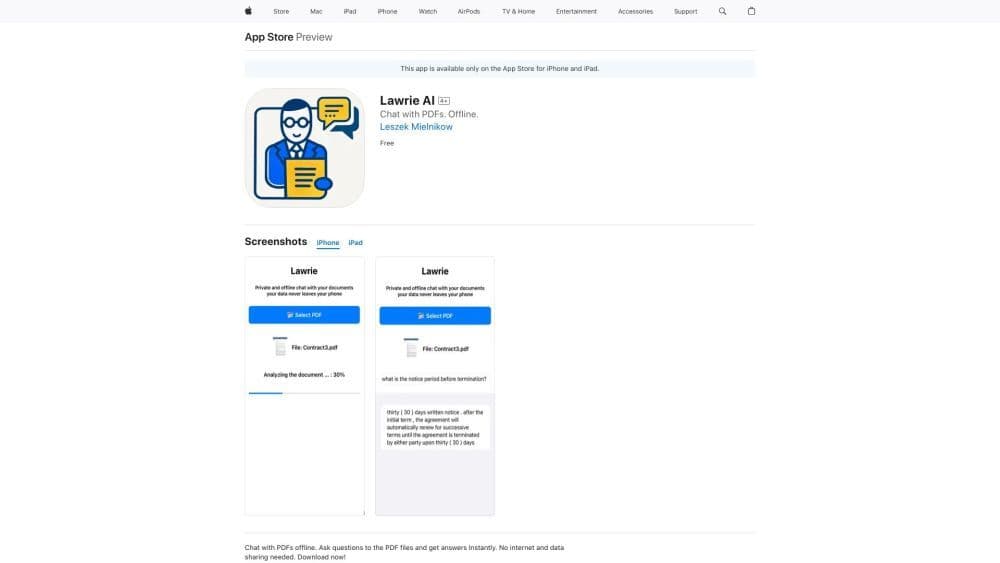
PDF Chat is a secure and offline iOS application that allows you to ask questions and get answers about PDF documents without sharing your data.
How to use PDF Chat?
To use PDF Chat, simply download and install the app from the App Store on your iPhone. Once installed, open a PDF document within the app and start asking content-related questions. The app uses advanced AI algorithms to analyze text and provide accurate answers. All processing is done locally on your device, ensuring data security and privacy.
Core Functions of PDF Chat
Offline PDF document analysis
Secure data privacy
Question and answer functionality
Local AI processing
Usage Scenarios of PDF Chat
- Learning and research
- Professional document analysis.
- Collaborative document discussions.
Common Questions about PDF Chat
Is my data shared with any external servers?
Can I use PDF Chat on other devices?
How accurate are the answers provided by PDF Chat?