



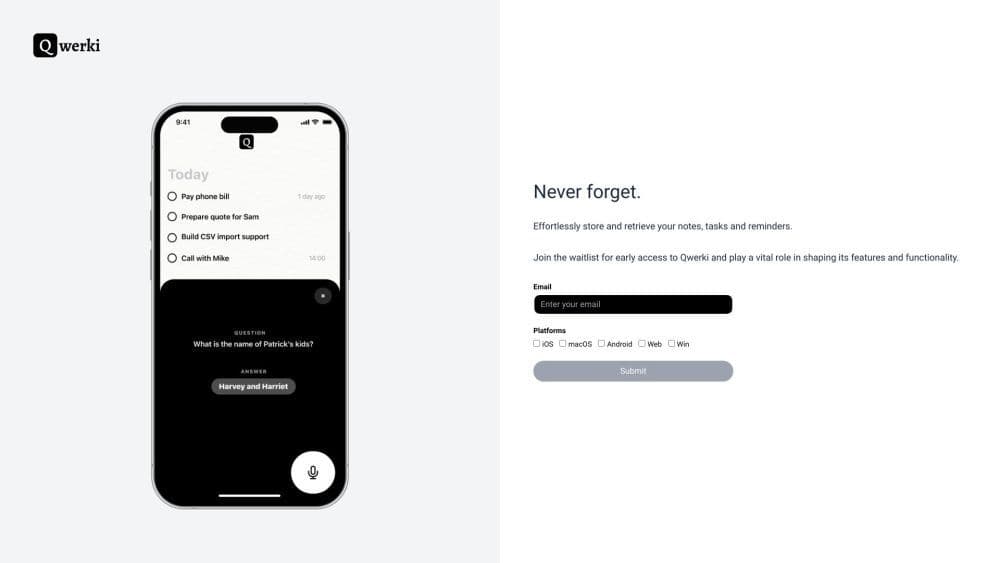

Product Information
What is Qwerki?
Qwerki is a web application built with create-react-app, designed to boost your productivity by ensuring you never forget anything. It aims to be a powerful tool that enables users to manage tasks, stay organized, and remember important information.
How to use Qwerki?
To use Qwerki, simply register an account on the website. Once logged in, you can start creating tasks, setting reminders, and organizing to-do lists. Qwerki's intuitive interface makes it easy to add and prioritize tasks, set deadlines, and create subtasks. You can also customize notifications and reminders to keep work on track.
Core Functions of Qwerki
Qwerki offers a range of core features to enhance productivity and organizational capabilities, including:
- Task Management: Create, track, and organize tasks. Set deadlines, priorities, and reminders.
- Reminders: Never miss important deadlines or events with customizable reminders.
- Subtasks: Break larger tasks into smaller, manageable subtasks.
- Notes and Attachments: Attach files, images, and notes to tasks for additional context and information.
- Sharing and Collaboration: Collaborate with colleagues or friends by sharing tasks and assigning responsibilities to complete tasks and projects.
Usage Scenarios of Qwerki
- Qwerki can be used in the following scenarios to improve work efficiency and organizational capabilities: - Personal task management: Track personal to-do lists, daily routines, and goals. - Work and project management: Collaborate with colleagues, manage project deadlines, and track progress. - Learning and exam preparation: Create study plans, set reminders for exams or assignments, and manage study materials. - Event planning: Organize and coordinate tasks for events, parties, or gatherings. Set reminders for important dates. - Shopping lists and meal plans: Create shopping lists and plan meals by managing ingredients and recipes.
Common Questions about Qwerki
Can I access Qwerki from any device?
Does Qwerki offer a mobile app?
Can I share tasks with others?
Can I set up repetitive tasks?
Can I attach files or notes to tasks?



















